 admin
admin
Optimizing Images for SEO: The Complete Guide
Image optimization is an important part of website search engine optimization, which directly affects page loading speed, user experience and search rankings. While text content remains a key ranking factor, properly prepared images can help improve site visibility and drive additional traffic from image searches.
Why image optimization is important
Images can add significant weight to a page, increasing its loading time. Slow websites rank worse and are more likely to be abandoned by users. Additionally, search engines don't "see" images the same way humans do, so they require additional information to understand the content.
Competent optimization helps:
- speed up page loading;
- improve positions in search results;
- increase site accessibility;
- drive traffic from image search.
Basic principles of image optimization
1. Choosing the right format
Different formats are suitable for different purposes:
- JPEG (JPG) - for photographs and images with a lot of color;
- PNG - for images with transparency;
- WebP - modern format with a high compression ratio and good quality;
- SVG - for icons and vector graphics.
Using modern formats such as WebP can significantly reduce file sizes without losing quality.
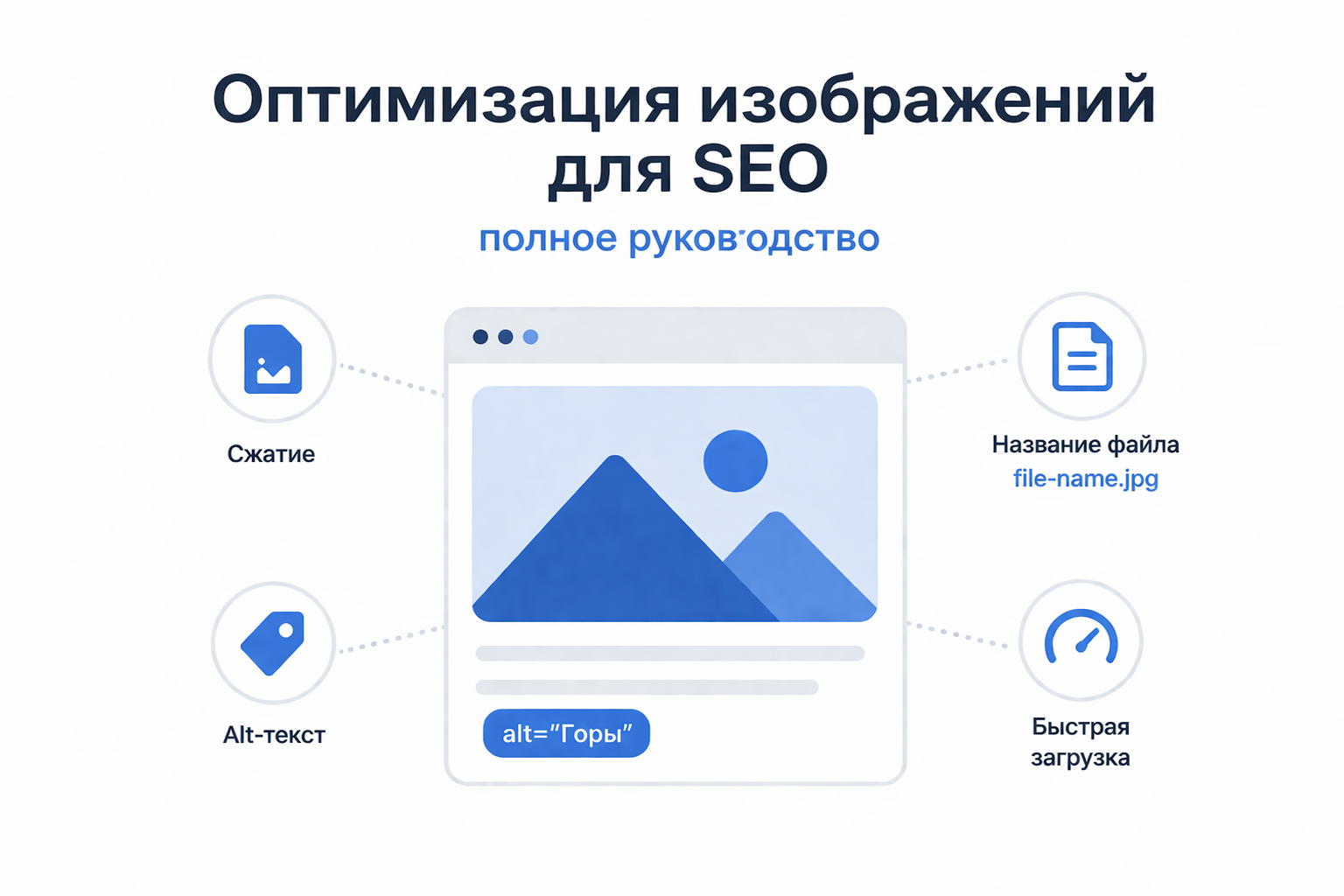
2. Compressing Images
Images must be compressed before being uploaded to the site. This reduces file size and speeds up page loading.
There are two types of compression:
- Lossy - reduces size at the cost of a slight reduction in quality;
- Lossless - maintains quality but compresses less effective.
The best option is to find a balance between quality and file size.
3. Proper image sizes
Do not upload images larger than required. For example, if an image on a website is displayed at 800x600 pixels, there is no point in uploading a file that is 4000x3000.
It is also recommended to use responsive images so that they display correctly on different devices.
4. alt attribute (alt text)
The alt attribute is a text description of an image that helps search engines understand its content.
Recommendations:
- describe the image briefly and to the point;
- use keywords naturally;
- avoid overspam.
Example:
5. File Names
The file name is also important for SEO. Instead of standard names like IMG1234. jpg use clear and descriptive:
Bad:image1. jpg
Okay:krasiviy-zakat-nad-morem. jpg
Use Latin characters and hyphens to separate words.
6. Using lazy loading
Lazy loading allows images to load only when the user scrolls to them. This reduces the initial page load time.
Example:
7. Image Sitemap
Adding images to an XML sitemap helps search engines find and index them faster. This is especially useful for sites with a lot of visual content.
8. Captions and Context
Text around an image (captions, headings, paragraphs) helps search engines better understand its meaning. Don't post images without context.
Common mistakes
- uploading too large files;
- missing alt attribute;
- using uninformative file names;
- ignoring modern formats;
- duplicating images unnecessarily.
Image optimization is not just a technical task, but an important element of comprehensive SEO. It affects both site performance and its visibility in search engines. Regularly working with images will help improve the user experience and increase organic traffic.
If you want maximum impact, optimize your images from creation to publication.