 admin
admin
Internal links: how to link pages correctly
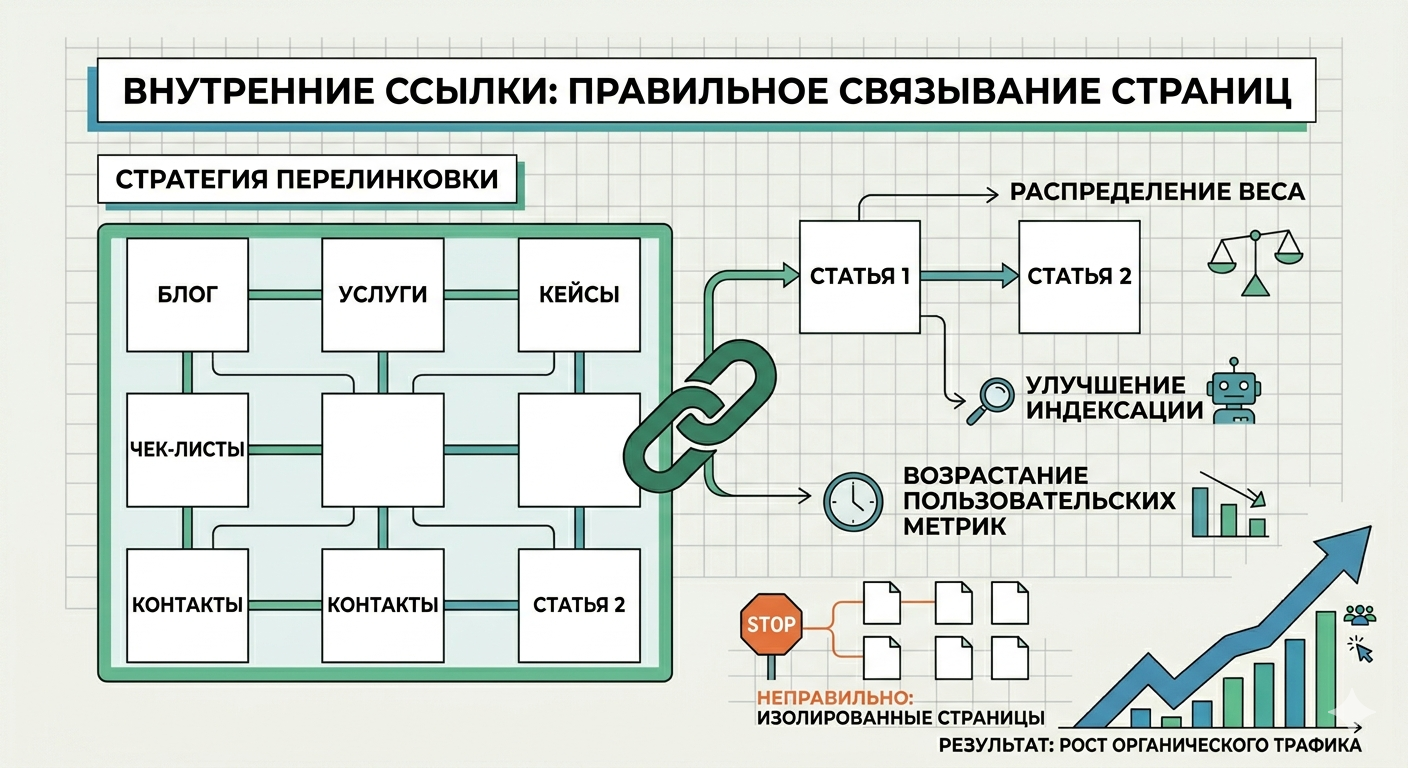
Internal linking is an important element of website SEO optimization. It helps search engines better understand the site structure and makes navigation easier for users. Correct use of internal links allows you to improve the indexing of pages and increase their positions in search results.
What are internal links
Internal links are links that lead from one page of a site to another page on the same site. They create connections between different sections and help users find the information they need faster.
For example, in an article about SEO texts, you can add a link to material about selecting keywords or meta tags.
Why internal linking is needed
A proper internal linking system provides several advantages:
-
improves the indexing of pages by search engines
-
helps distribute the weight of pages within the site
-
increases the time users spend on the site
-
simplifies navigation between materials
The more logical the link structure is, the easier it is for the user and search engines to navigate the site.
How to make internal links correctly
When creating cross-linking, you should follow several rules.
1. Use relevant links
The link should lead to a page that complements the topic of the article.
2. Use a clear anchor
Anchor is the text of the link. It is better to use words that describe the content of the page.
Example:
bad - click here
good - how to assemble a semantic core
3. Don't overload your text with links
Too many links can make an article difficult to read.
4. Link to important pages
Most often, links are placed on the main pages of the site: categories, important articles or service pages.
Common mistakes
When creating internal linking, the following mistakes are often made:
-
lack of links between pages
-
links without clear text
-
too many links
-
links to irrelevant pages
Internal linking is an important SEO tool that helps create a logical website structure. Well-linked pages improve navigation for users and help search engines index content better.