Cart Sign In
DEVNEW.ORG — Digital Tools & Data » Linux » Games for Linux » The Maze of Galious arcade v zamke Linux
The Maze of Galious arcade v zamke Linux
admin
18-04-2023, 18:58 18 0

The Maze of Galious arcade v zamke Linux

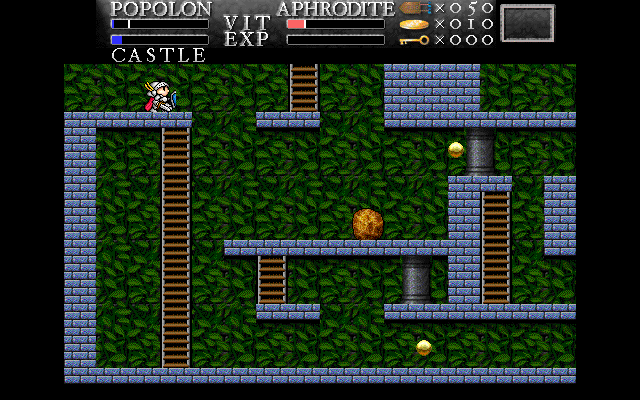
The Maze of Galious (MoG) is a platform arcade game in which you control a knight and must overcome level after level.

Maze of Galious was originally called Konami and was created for MSX (Machines with Software eXchangeability) computers.

Maze of Galious is a linear platformer. The player needs to move the character across levels, which consist strictly of horizontal surfaces. You can climb stairs, jump, fight, and go down to other locations.

The game features one huge map, called a castle, and 10 sub-maps, called worlds. The game starts in a castle, and as you progress you must find the keys to each of the 10 worlds.

At the end of each world there is a boss battle. To complete the game you need to destroy all bosses. To destroy all the bosses you will need to use two characters - Popolon and Aphrodite. They have their own special abilities. Popolon Popolon can jump well, quickly break rocks, and go through revolving doors. Aphrodite Aphrodite can swim perfectly, fire three shots at once and place three bombs at once.

As the player progresses, he encounters hundreds of different enemies. They can be destroyed in different ways.

The distinctive feature of Maze of Galious is its freedom of movement. You can always go back to previous locations and see if you missed anything there.

Development of the game ceased in 2009, but will be of interest to fans of games of this genre. There were no problems with installation and operation on Ubuntu Linux.

Installation on Ubuntu Linux

To install the game on Ubuntu Linux, you can use the standard repositories. To install, run the command:

sudo apt install mazeofgalious

You can start the game from the command line by running:

mog

Installation

Installation on Ubuntu (LinuxMint)

sudo apt install mazeofgalious
See Also

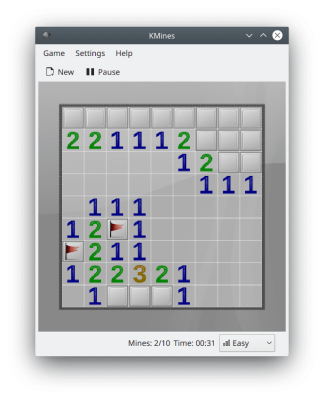
KMines is a classic Minesweeper game in which you have to defuse mines. Objective of the game In the game you need to gradually open the cells of the playing field, marking the location of the mines on them. The goal of the game is to open all the cells of the playing field, indicating all the mines. Installation on Ubuntu (LinuxMint)
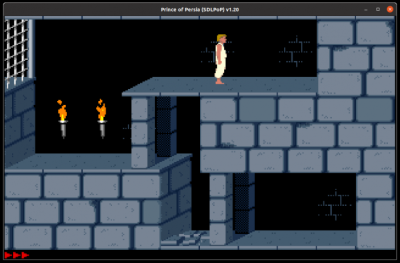
SDLPoP - port of the classic game Prince of Persia. Main features and capabilities of the game. Port of the original 1989 classic Prince of Persia. Gameplay and graphics match the original version of Prince of Persia. Ability to save the game. Quick saves. Gameplay recording and replay playback. Installation via Snap
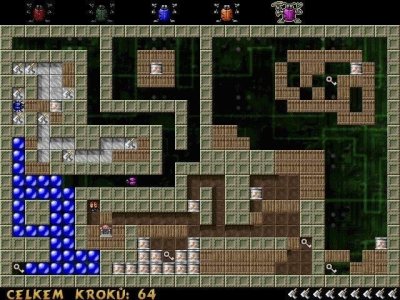
Berusky I is a 2D logic game where you have to move blocks and get keys. Berusky was inspired by the puzzle game Sokoban, in which the player had to move boxes in a maze. Berusky adds new elements and objects to the gameplay - explosives, stones, gates and others. The game has about 120 levels. The goal of each level is to collect 5 keys and reach the exit. The player controls five bugs and can freely switch between them. To complete the level, you need to collect all 5 keys. To do this, the player must interact with the surrounding blocks. There are blocks that need to be moved, and also blocks that need to be blown up. There are rocks that can be broken using a hammer or a weapon. To advance to the next level, the player must ensure a clear path to the gate. Gates come in different types. There is a gate that can only be opened with a key of the corresponding color. There are gates that close (and never open again) the first time you pass through them. Level Editor The game has a
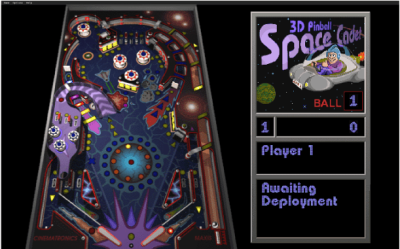
Space Cadet Pinball is a pinball game for Linux. Created using reverse engineering based on the Windows game Space Cadet. Installation via Flatpak Installation: Launch:
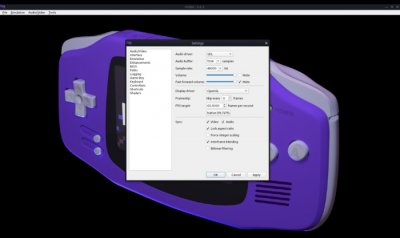
mGBA is an emulator for the Game Boy Advance portable gaming console. Features Game Boy Advance hardware emulation. Game Boy/Game Boy Color hardware emulation. Fast work even on weak computers. Interface variations on Qt and SDL. Supports motion and vibration sensor cartridges (game controllers only). Real-time clock support. Supports Game Boy Camera and Game Boy Printer. Integrated BIOS implementation and support for loading external BIOS files. Ability to create screenshots. Video recording, GIF, WebP, APNG. Download ZIP and 7z files. Supports IPS, UPS and BPS patches. Support for game debugging via the command line interface and GDB. And more... Installation via Flatpak Installation: Launch: Installation via Snap Installation on Ubuntu (LinuxMint) Installation in ArchLinux (Manjaro) Installation in openSuse
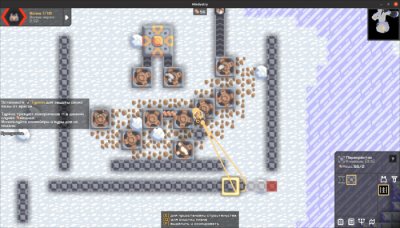
Mindustry is a tower defense game with strategy elements. Construction of towers, protection from enemies, production of materials for construction. Features Tower defense genre with strategy elements. Creating conveyors for supplying ammunition to towers. Production/extraction of materials for construction. Material creation. Creating drones for automatic resource extraction. Single player campaign. Tutorial level as part of the campaign. Network game. Custom Game - Custom Conditions. Level editor. Installation via Flatpak Installation: Launch: Installation via Snap
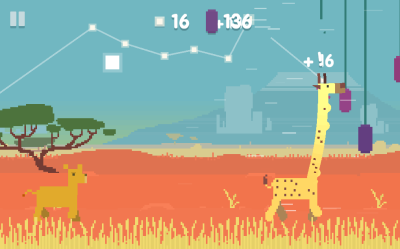
Oh My Giraffe is an endless runner in which you control a giraffe eating fruit along the way. He is being chased by angry lions. The game was originally developed for mobile systems rather than desktop PCs. Paid version available for iOS and Android. There is a free version for Linux, Windows and MacOS. On the game’s website it says “try for free” about this version. I did not find any time or functionality limitations. Gameplay You control a giraffe that runs and eats fruits hanging in its path. He is chased by lions, which can be destroyed with the same fruits. To do this, you need to bite the thread on which the fruit is hanging, then it will fall on the giraffe’s back and can bounce back at the enemy. During the game, day turns into night and the lions fall asleep. If suddenly a fruit hits a sleeping lion, the lion will wake up and run after you. If the lion catches you, the game ends. You get points for eating fruits and destroying lions. The goal of the game is to score as many
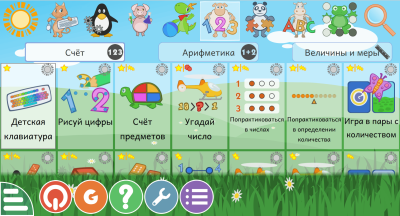
GCompris - a large selection of free educational games and activities for children aged 2 to 10 years. GCompris includes more than 180 various educational games, activities, and exercises for children's development. Educational and developmental games for children The range of tutorials in GCompris is impressive. The following exercises and games are presented: basic computer literacy learning to type on a keyboard mouse training read spelling arithmetic basic physics experiences geography solar system exploring time and calendar logic games puzzles labyrinths puzzles tag Tower of Hanoi tanks games for memory development and training learning colors color mixing learning shapes music notation games to find paired cards search for paired cards when one of them is an arithmetic expression and the other is an answer animal studies animal sounds music music notation board games (chess, four in a row) number systems digital electronics and much more Interface and design Each
KGoldrunner is an arcade game in which the hero runs through a maze, climbs stairs, digs holes and dodges enemies. Features You need to collect all the gold nuggets and go to the next level. Enemies are also hunting for gold and the hero. Simple 2D graphics. The game features hundreds of different levels. From simple to very complex. Two game modes: classic and KGoldrunner-mode, in which the enemies are smarter. Control using keyboard and mouse. Saving and loading the game. Supports changing the theme. Reproduction of the solution, tips, demonstration of the walkthrough. Level editor available. Installation via Flatpak Installation: Launch: Installation via Snap Installation on Ubuntu (LinuxMint) Installation on ArchLinux (Manjaro) Installation on Fedora Installation in openSuse Installation in Gentoo
SCID (Shane's Chess Information Database) — is a shell for viewing and managing chess databases. Cross-platform game Works in : Linux MacOS Windows Installing in Ubuntu (LinuxMint) Installation in openSuse Installation in Gentoo

Reviews (0)

reload, if the code cannot be seen


Quick Purchase

Leave your contact details, and we will contact you to complete your order.