

Installation on Ubuntu (LinuxMint)
sudo apt install kminesGames, programs and useful software for Linux operating systems. It contains applications, utilities, tools and entertainment software for various Linux distributions.
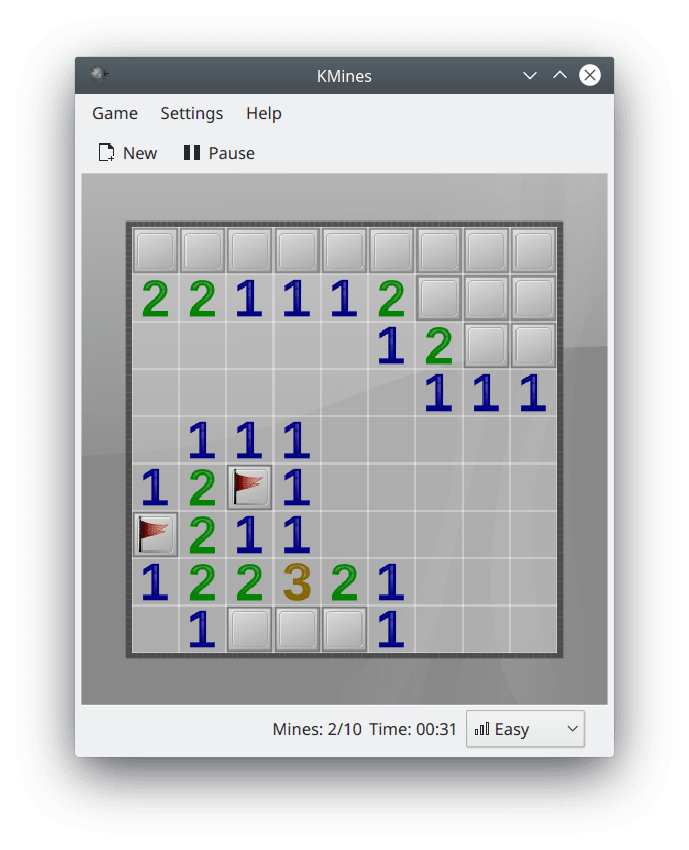
KMines is a classic Minesweeper game in which you have to defuse mines.
In the game you need to gradually open the cells of the playing field, marking the location of the mines on them.
The goal of the game is to open all the cells of the playing field, indicating all the mines.
sudo apt install kmines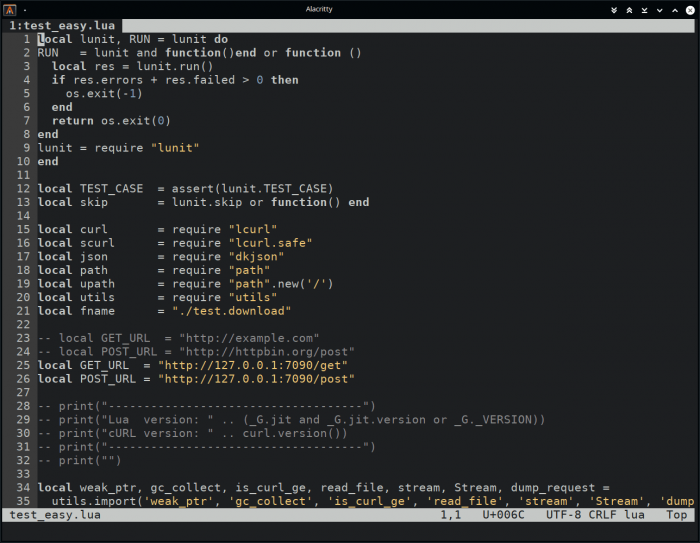
dte is a small, easy-to-use console text editor. Supports tabs, syntax highlighting, hotkeys, etc.
sudo apt install dtegit clone https://aur.archlinux.org/dte.git
cd dte
makepkg -srisudo zypper install dtesudo emerge -a sys-apps/dtc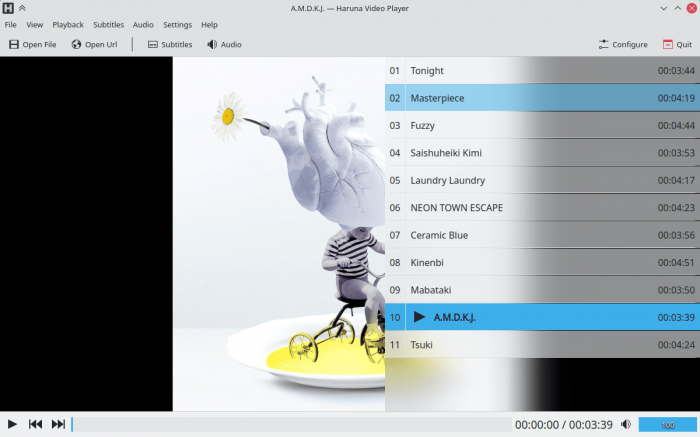
Haruna is a video player from the KDE project based on the Qt/QML and libmpv libraries. MPV fork with new features.
Installation:
flatpak install flathub org.kde.harunaLaunch:
flatpak run org.kde.harunasudo snap install harunasudo apt install harunasudo emerge -a dev-haskell/harp
OBS Studio (Open Broadcaster Software) — это бесплатная программа на русском языке для записи видео и стримов на Twitch, YouTube, GoodGame, SC2TV, Hitbox.TV и любые другие RTMP-серверы трансляций.
sudo add-apt-repository ppa:kirillshkrogalev/ffmpeg-next
sudo apt-get update && sudo apt-get install ffmpegsudo apt-get install ffmpegsudo add-apt-repository ppa:obsproject/obs-studio
sudo apt update
sudo apt-get update && sudo apt-get install obs-studio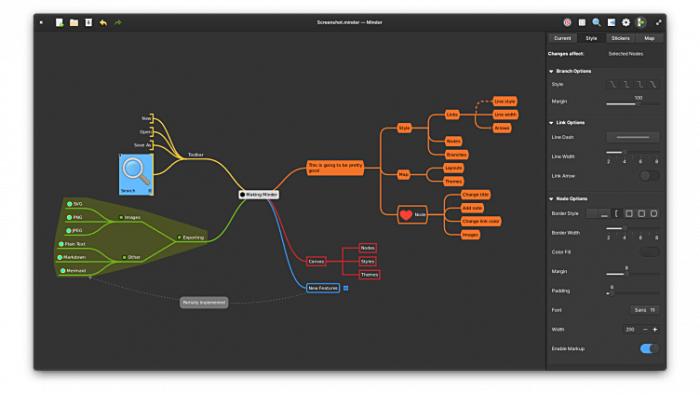
Minder - A simple mind mapping program.
The program allows you to create graphic maps of thoughts in the form of a tree with many nodes.
Format import support:
Export to formats:
Installation:
flatpak install flathub com.github.phase1geo.minderLaunch:
flatpak run com.github.phase1geo.mindersudo apt install mindersudo pacman -S mindersudo dnf install mindersudo zypper install mindersudo emerge -a acct-group/cinder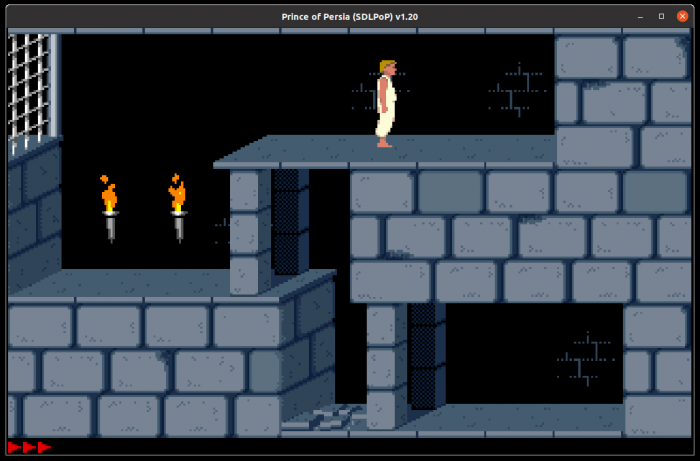
SDLPoP - port of the classic game Prince of Persia.
Main features and capabilities of the game.
sudo snap install sdlpop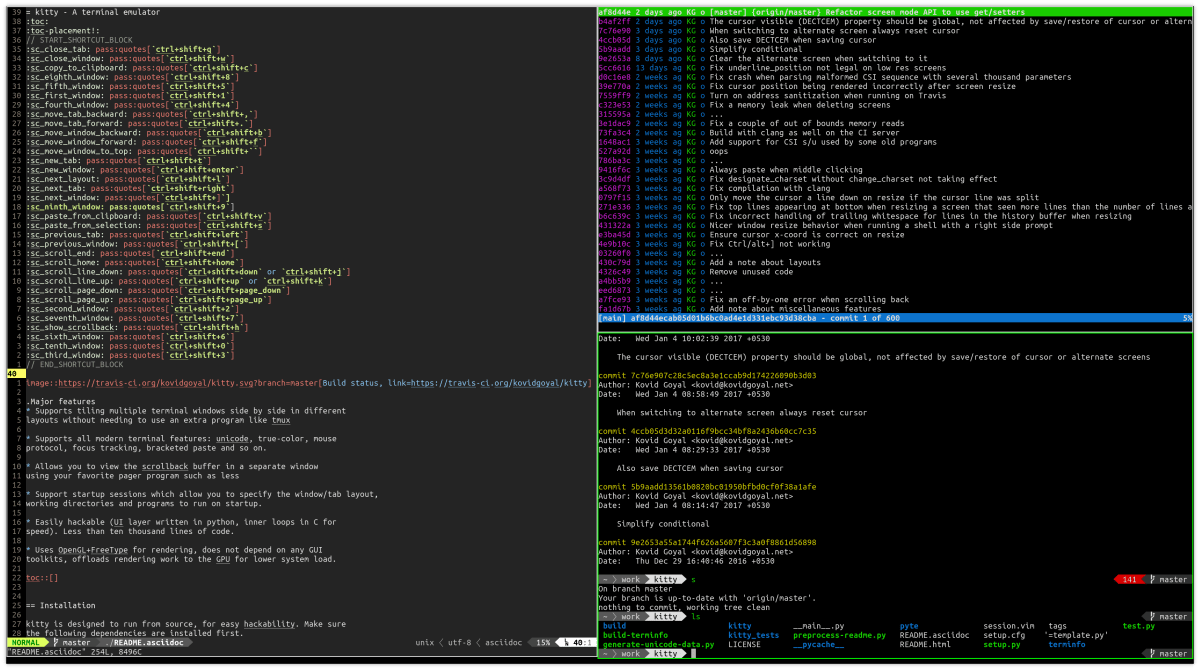
Kitty is a functional terminal emulator for Linux. Uses hardware rendering. Supports terminal window splitting. Supports image output.
sudo apt install kittysudo pacman -S kittysudo dnf install kittysudo zypper install kittysudo emerge -a x11-terms/kitty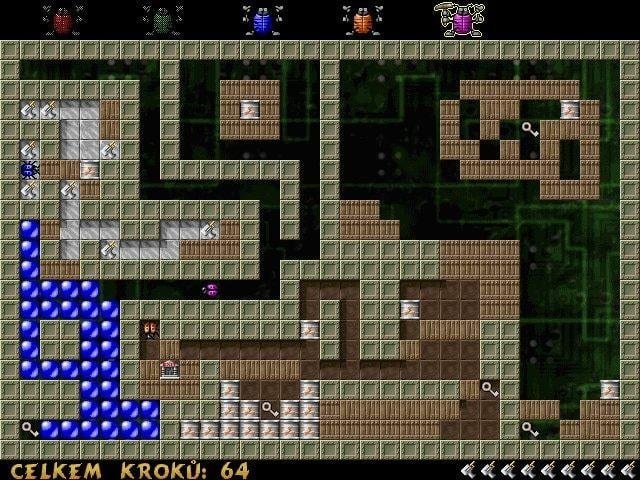
Berusky I is a 2D logic game where you have to move blocks and get keys.
Berusky was inspired by the puzzle game Sokoban, in which the player had to move boxes in a maze. Berusky adds new elements and objects to the gameplay - explosives, stones, gates and others.
The game has about 120 levels.
The goal of each level is to collect 5 keys and reach the exit. The player controls five bugs and can freely switch between them.
To complete the level, you need to collect all 5 keys. To do this, the player must interact with the surrounding blocks. There are blocks that need to be moved, and also blocks that need to be blown up. There are rocks that can be broken using a hammer or a weapon.
To advance to the next level, the player must ensure a clear path to the gate. Gates come in different types. There is a gate that can only be opened with a key of the corresponding color. There are gates that close (and never open again) the first time you pass through them.
The game has a built-in level editor, with which you can create your own maps and mazes.
To start the level editor, run in the command line:
berusky -eWorking with the editor is very simple. All actions are performed with the mouse. The user selects map objects and places them on the playing field.
Press the F1 key to get a list of hotkeys that you can use. Some useful keys:
F2 - save level.
Ctrl+F2 - save level as (set file name).
F3 - load level for editing.
F9 - start level.
To run a custom level, use the command:
berusky -u levelname.lv3The Berusky game is available in the standard repositories of popular Linux distributions.
Package name: berusky
For example, on Ubuntu Linux the game can be installed by running the command:
sudo apt install beruskysudo apt install berusky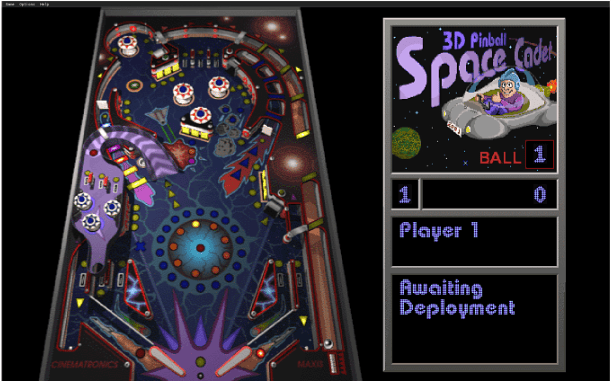
Space Cadet Pinball is a pinball game for Linux. Created using reverse engineering based on the Windows game Space Cadet.
Installation:
flatpak install flathub com.github.k4zmu2a.spacecadetpinballLaunch:
flatpak run com.github.k4zmu2a.spacecadetpinball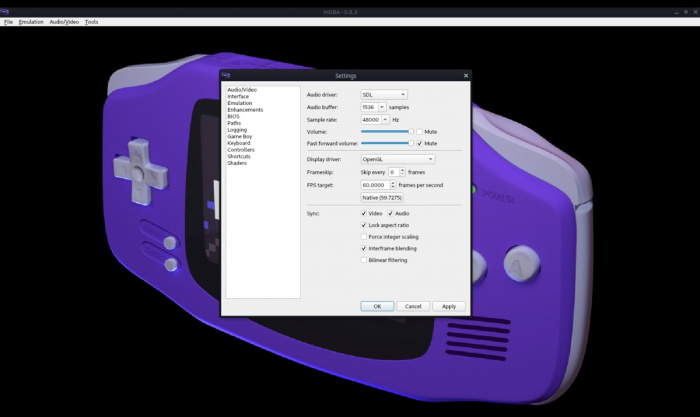
mGBA is an emulator for the Game Boy Advance portable gaming console.
Installation:
flatpak install flathub io.mgba.mGBALaunch:
flatpak run io.mgba.mGBAsudo snap install mgbasudo apt install mgba-qtsudo pacman -S mgba-qtsudo zypper install mgba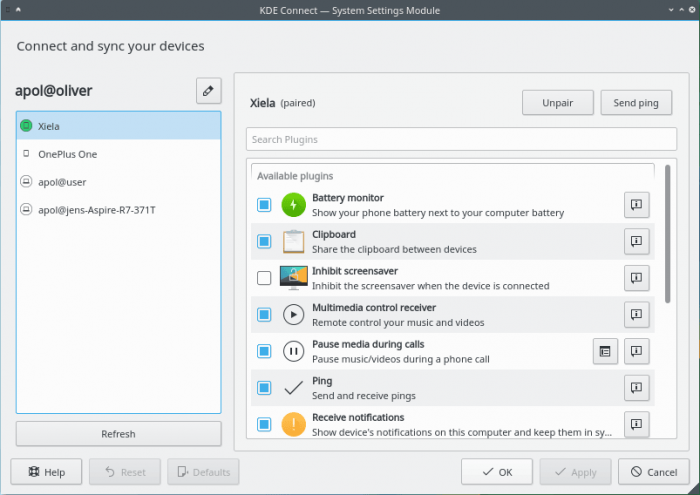
KDE Connect is a program that allows you to organize interaction between a PC and a smartphone. It supports displaying notifications, sharing files, managing music, sending messages, and so on.
To use KDE Connect, you need to install the desktop version of the program (Linux, Windows or Mac OS), as well as the program on your mobile device (versions available for Android and iOS). To connect, devices must be connected to the same local network.
KDE Connect runs in the KDE Plasma environment.
Features:
sudo apt install kdeconnectsudo pacman -S kdeconnectsudo dnf install kde-connectsudo zypper install kdeconnectsudo emerge -a kde-misc/kdeconnect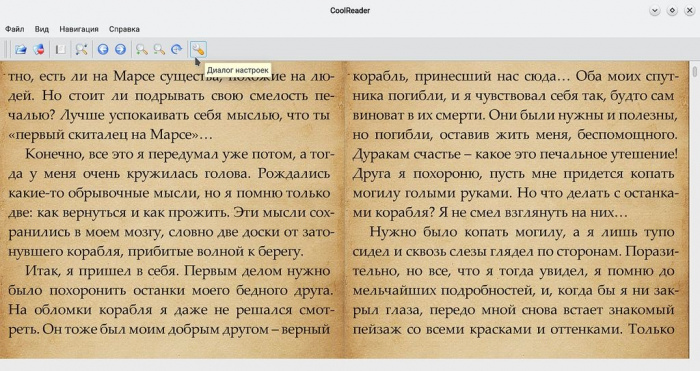
CoolReader is a cross-platform eBook reader.
sudo pacman -S coolreadersudo dnf install coolreadersudo zypper install coolreadersudo emerge -a app-text/coolreaderLeave your contact details, and we will contact you to complete your order.