

Installation via Snap
sudo snap install kwaveUseful software for Linux operating systems: applications, system utilities, development tools, file management, multimedia and system settings. A selection of software for various Linux distributions.
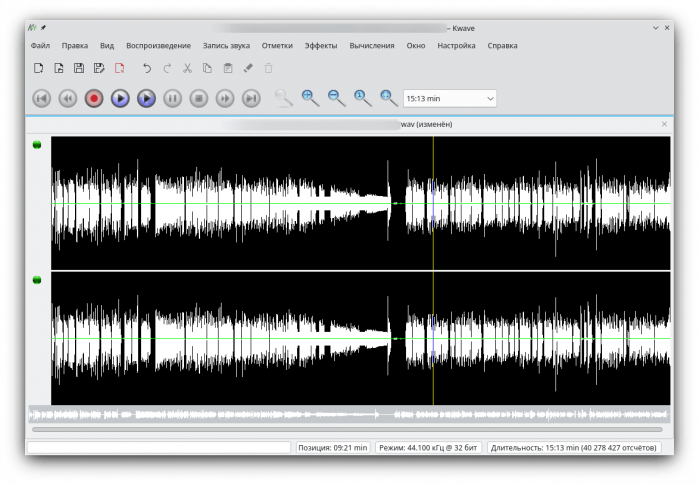
KWave is a simple program for recording and editing audio.
Sound recording. Selecting a sound source. Setting recording parameters.
Editing audio tracks.
Adding silence, noise.
Effects:
Change volume.
Normalization.
Increasing.
Fading.
Low Pass Filter.
Notch filter.
Bandpass filter.
Change pitch.
Reverse.
sudo snap install kwavesudo apt install kwavesudo pacman -S kwavesudo dnf install kwavesudo zypper install kwavesudo emerge -a kde-apps/kwave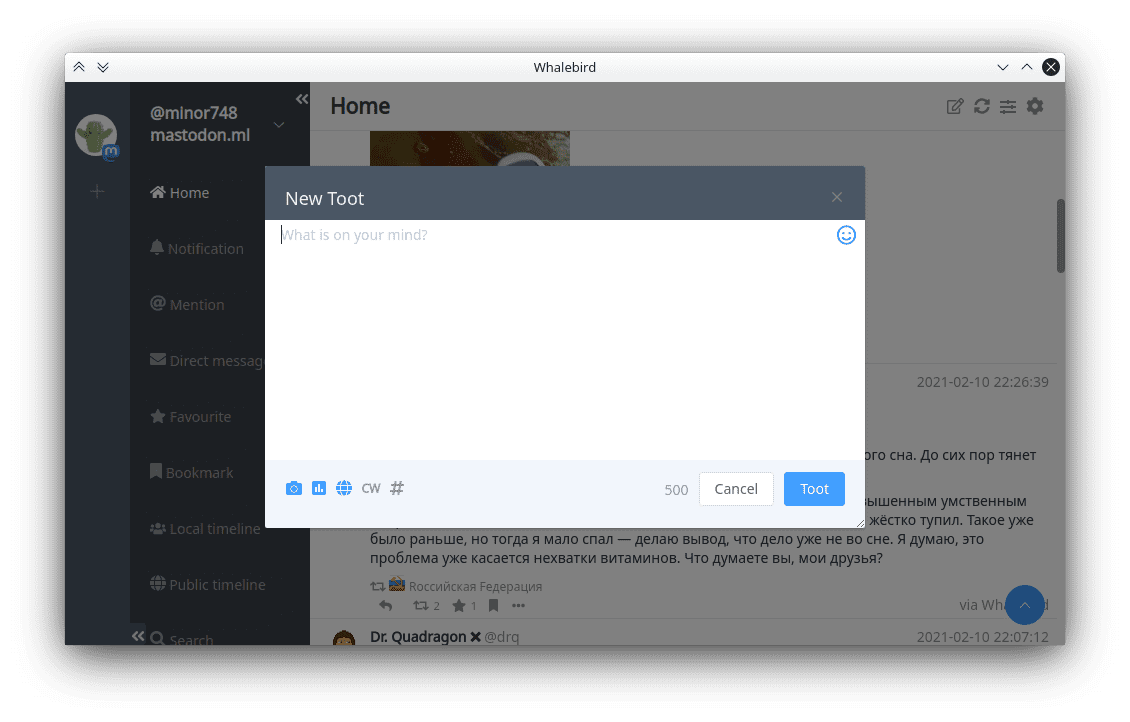
Whalebird is a desktop client for the distributed social network Mastodon. Mastodon is free software for deploying distributed social networks.
sudo snap install whalebirdgit clone https://aur.archlinux.org/whalebird-desktop.git
cd whalebird-desktop
makepkg -sri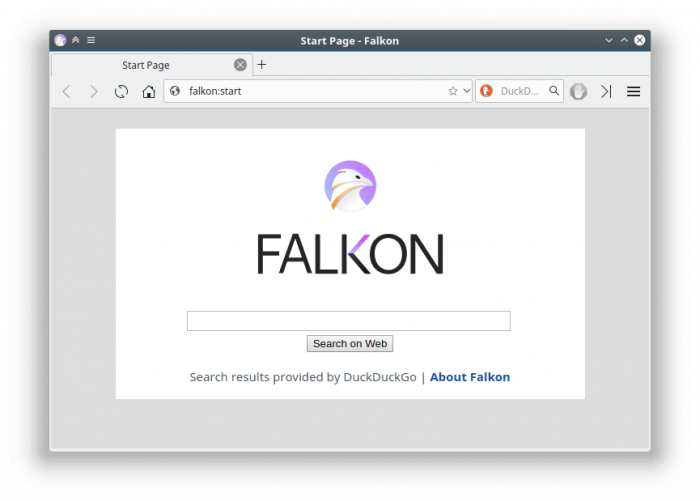
Falkon is a lightweight open source browser. Developed as part of the KDE project.
The browser has the necessary set of basic functions.
sudo snap install falkonsudo apt install falkonsudo pacman -S falkonsudo dnf install falkonsudo zypper install falkonsudo emerge -a www-client/falkon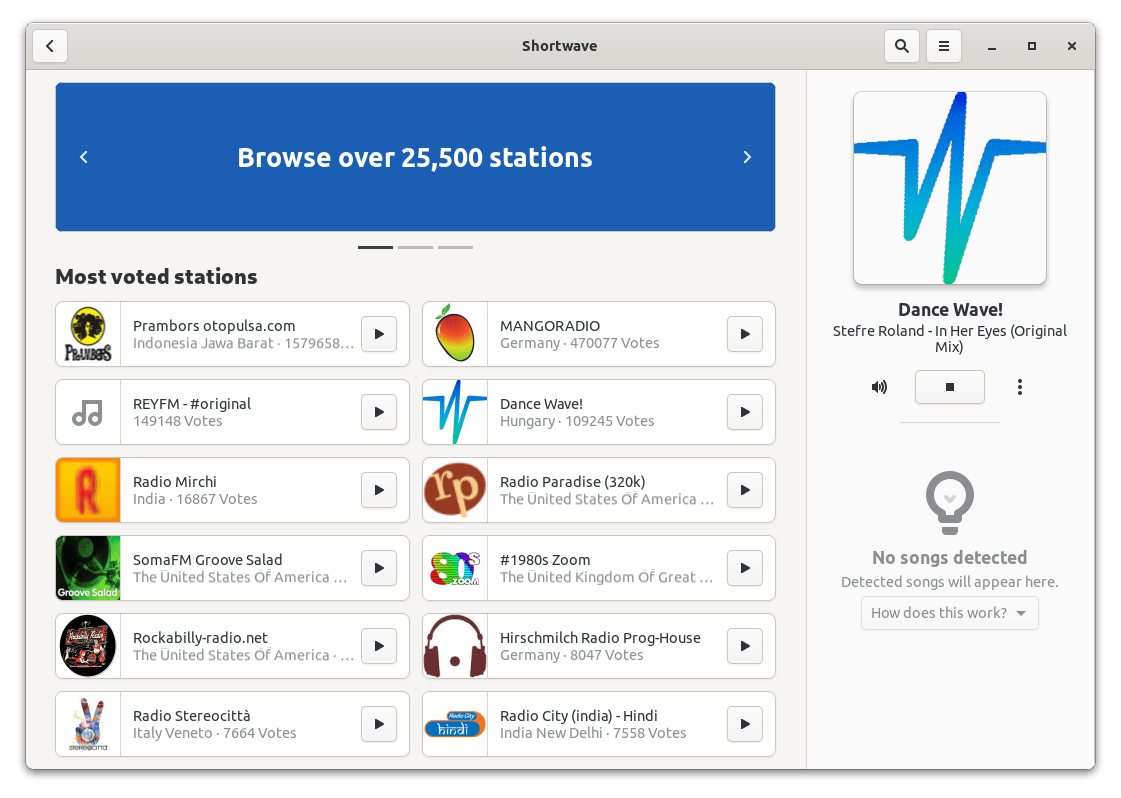
Shortwave - Internet radio. Contains a large database of radio stations.
Installation:
flatpak install flathub de.haeckerfelix.ShortwaveLaunch:
flatpak run de.haeckerfelix.Shortwavesudo snap install shortwavesudo zypper install shortwavesudo emerge -a media-sound/shorten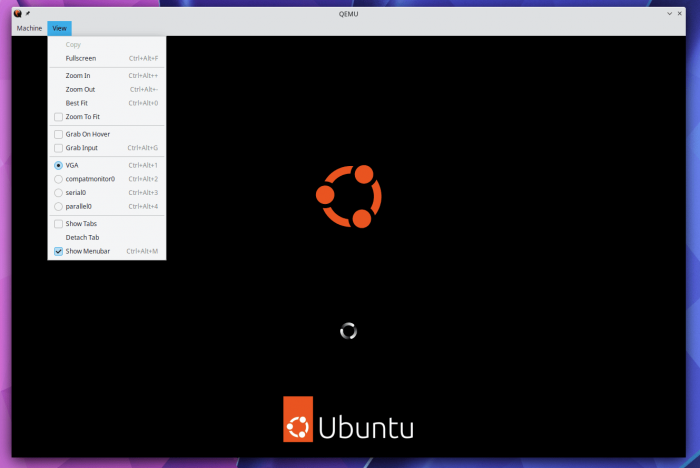
QEMU - virtual machine (emulator). A program for running guest operating systems inside a host system. Supports hardware virtualization.
| Arm | kvm (64 bit only), tcg, xen |
| MIPS | kvm, tcg |
| PPC | kvm, tcg |
| RISC-V | kvm, tcg |
| s390x | kvm, tcg |
| SPARC | tcg |
| x86 | hax, hvf (64-bit only), kvm, nvmm, tcg, whpx (64-bit only), xen |
sudo apt install qemusudo dnf install qemusudo zypper install qemusudo emerge -a acct-user/qemu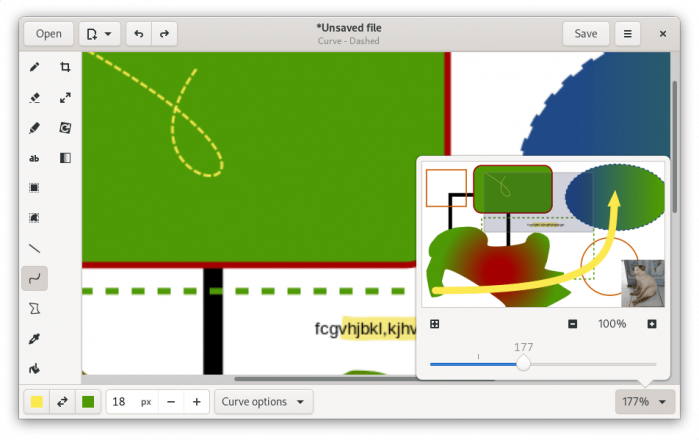
Drawing is a simple drawing program for GNOME. Basic set of drawing elements.
Installation:
flatpak install flathub com.github.maoschanz.drawingLaunch:
flatpak run com.github.maoschanz.drawingsudo snap install drawingsudo apt install drawingsudo dnf install drawingsudo zypper install drawingLeave your contact details, and we will contact you to complete your order.