

Installation in ArchLinux (Manjaro)
sudo pacman -S lutrisGames, programs and useful software for Linux operating systems. It contains applications, utilities, tools and entertainment software for various Linux distributions.
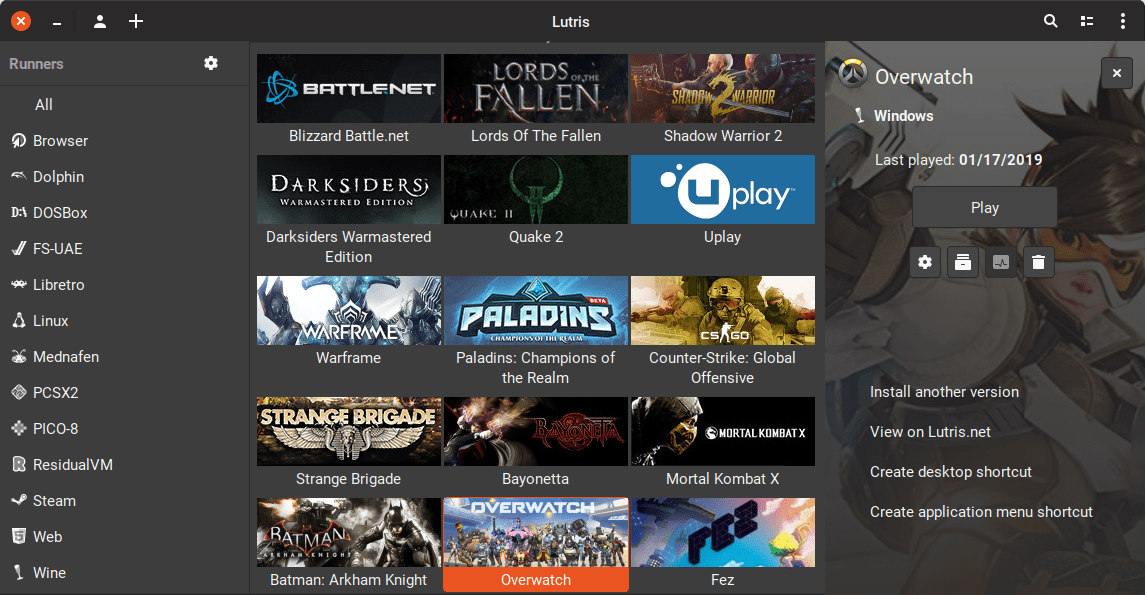
Lutris is a game client that allows you to install and run native and Windows games on Linux. Not a commercial service. Provides a convenient way to run games inside Linux.
The program is a game client. Allows you to combine games from various sources in one application. For example, you can import games that were purchased and downloaded to Steam. Lutris does not copy games, but only ensures they run.
The program creates optimal settings and corresponding scripts for each game, which allow you to run both Windows games and native Linux games. Third-party components are used to launch, for example, Wine or DosBox.
On some Linux distributions, the program is available in the standard repositories. To install, you must install the package lutris.
For installation on Ubuntu (Linux Mint, Elementary OS, Pop!_OS) you can use the PPA repository.
sudo add-apt-repository ppa:lutris-team/lutris
sudo apt-get update
sudo apt-get install lutrissudo pacman -S lutrisgit clone https://aur.archlinux.org/lutris-git.git
cd lutris-git
makepkg -srisudo dnf install lutrissudo zypper install lutrissudo emerge -a games-util/lutris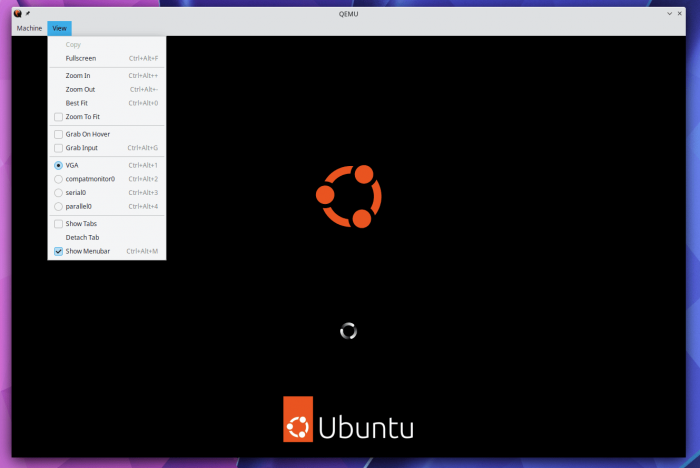
QEMU - virtual machine (emulator). A program for running guest operating systems inside a host system. Supports hardware virtualization.
| Arm | kvm (64 bit only), tcg, xen |
| MIPS | kvm, tcg |
| PPC | kvm, tcg |
| RISC-V | kvm, tcg |
| s390x | kvm, tcg |
| SPARC | tcg |
| x86 | hax, hvf (64-bit only), kvm, nvmm, tcg, whpx (64-bit only), xen |
sudo apt install qemusudo dnf install qemusudo zypper install qemusudo emerge -a acct-user/qemu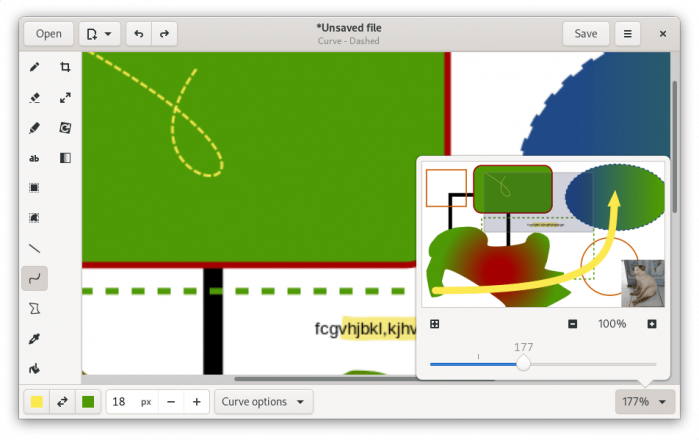
Drawing is a simple drawing program for GNOME. Basic set of drawing elements.
Installation:
flatpak install flathub com.github.maoschanz.drawingLaunch:
flatpak run com.github.maoschanz.drawingsudo snap install drawingsudo apt install drawingsudo dnf install drawingsudo zypper install drawingLeave your contact details, and we will contact you to complete your order.