

Installation in ArchLinux from AUR
git clone https://aur.archlinux.org/pikopixel.git
cd picopixel
makepkg -sriGames, programs and useful software for Linux operating systems. It contains applications, utilities, tools and entertainment software for various Linux distributions.
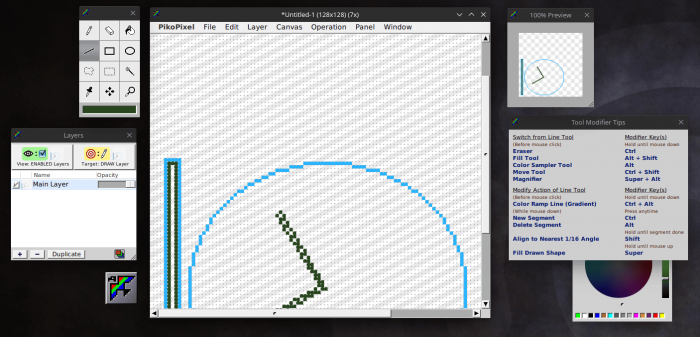
PikoPixel - a program for drawing pixel images.
PikoPixel is not overloaded with unnecessary functions and has basic functionality for drawing pixel images. Contains a minimal set of drawing tools.
git clone https://aur.archlinux.org/pikopixel.git
cd picopixel
makepkg -srisudo emerge -a gnustep-apps/pikopixel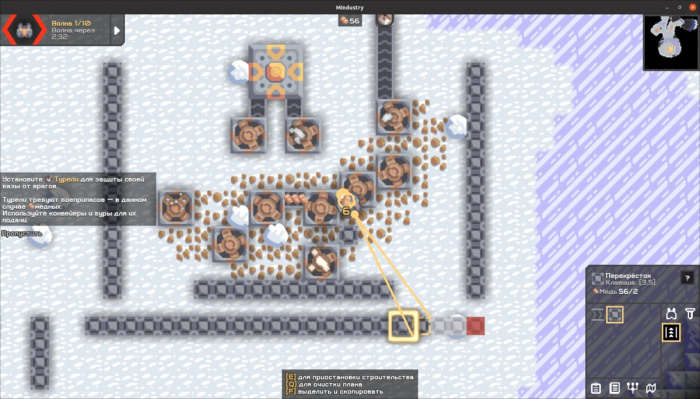
Mindustry is a tower defense game with strategy elements. Construction of towers, protection from enemies, production of materials for construction.
Installation:
flatpak install flathub com.github.Anuken.MindustryLaunch:
flatpak run com.github.Anuken.Mindustrysudo snap install mindustry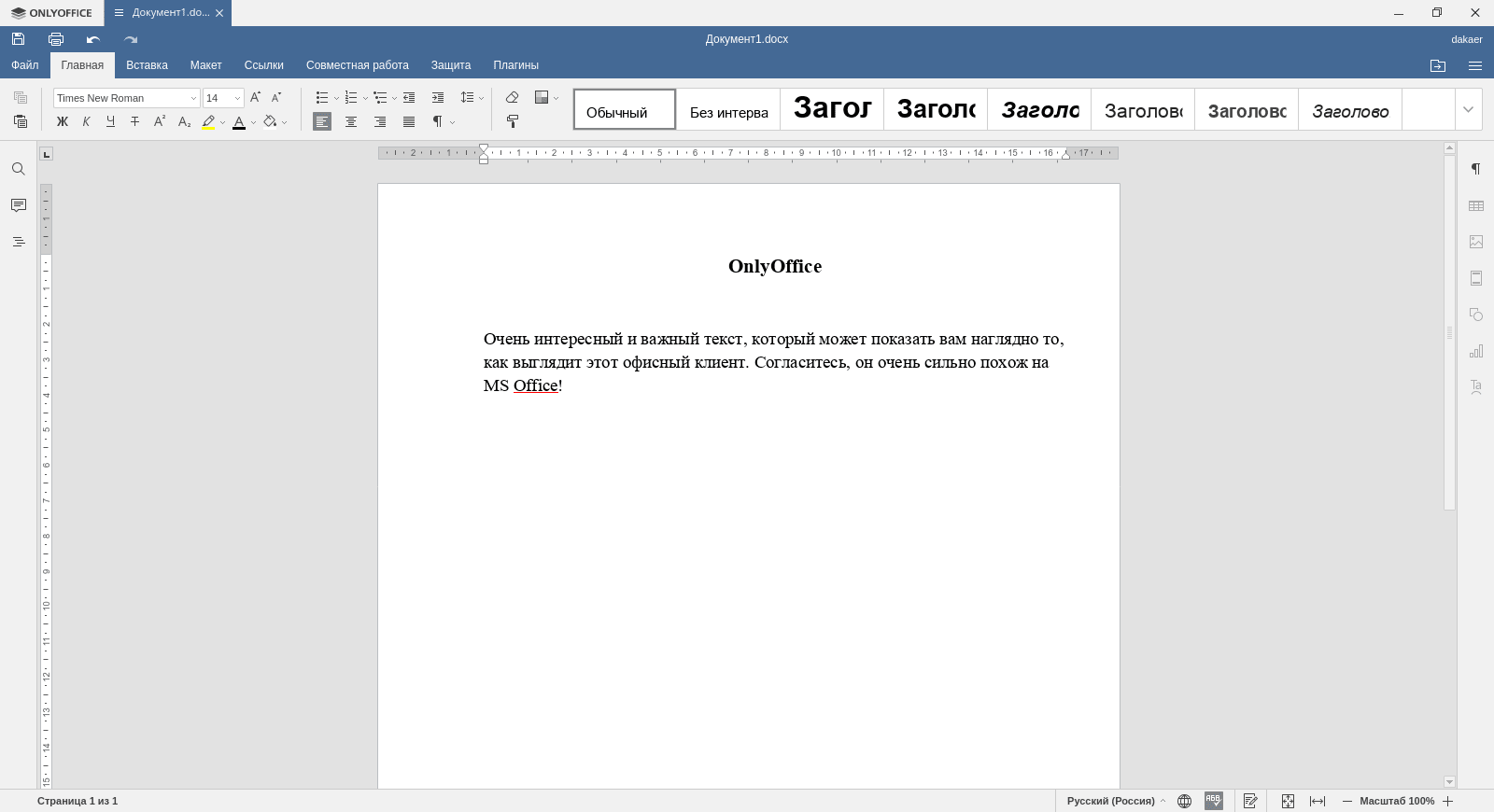
OnlyOffice Desktop is an office suite that has good support for Microsoft Office formats. Includes word processor, spreadsheet, presentations.
OnlyOffice Composition:
Supported formats:
Previously called TeamLab.
OnlyOffice can be installed on Linux using the following methods:
Installation:
flatpak install flathub org.onlyoffice.desktopeditorsLaunch:
flatpak run org.onlyoffice.desktopeditorssudo snap install onlyoffice-desktopeditors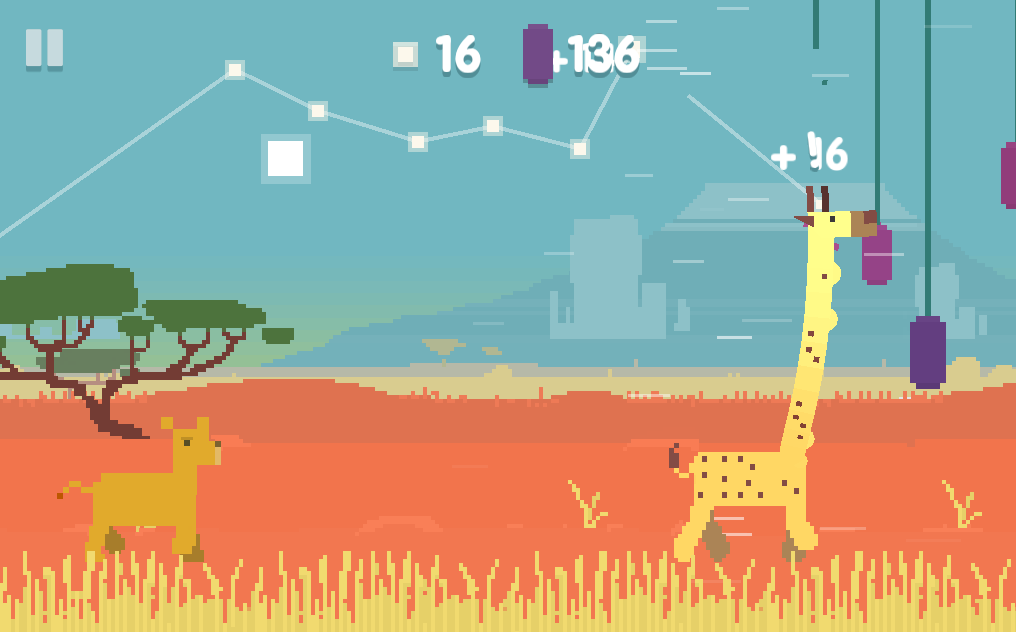
Oh My Giraffe is an endless runner in which you control a giraffe eating fruit along the way. He is being chased by angry lions.
The game was originally developed for mobile systems rather than desktop PCs. Paid version available for iOS and Android.
There is a free version for Linux, Windows and MacOS. On the game’s website it says “try for free” about this version. I did not find any time or functionality limitations.
You control a giraffe that runs and eats fruits hanging in its path. He is chased by lions, which can be destroyed with the same fruits. To do this, you need to bite the thread on which the fruit is hanging, then it will fall on the giraffe’s back and can bounce back at the enemy.
During the game, day turns into night and the lions fall asleep. If suddenly a fruit hits a sleeping lion, the lion will wake up and run after you.
If the lion catches you, the game ends.
You get points for eating fruits and destroying lions. The goal of the game is to score as many points as possible.
The game has simple, pixelated, cartoon graphics, which are typical for simple games for mobile devices.
Control by mouse. You need to move the mouse in the desired direction and the giraffe’s head will move, repeating the movements of the cursor.
The game is written in the Lua programming language and uses the Open Source LÖVE framework.
On Ubuntu Linux I installed the game from a snap package. To do this, run the following commands in the terminal:
sudo apt install snapd
sudo snap install ohmygiraffe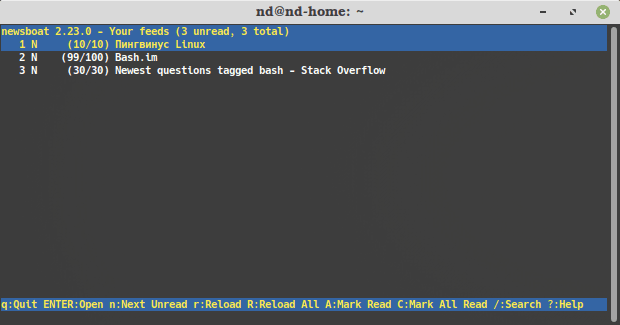
Newsboat - console program for reading RSS/Atom feeds (news feeds).
sudo snap install newsboatsudo apt install newsboatsudo pacman -S newsboatsudo dnf install newsboatsudo zypper install newsboatsudo emerge -a net-news/newsboat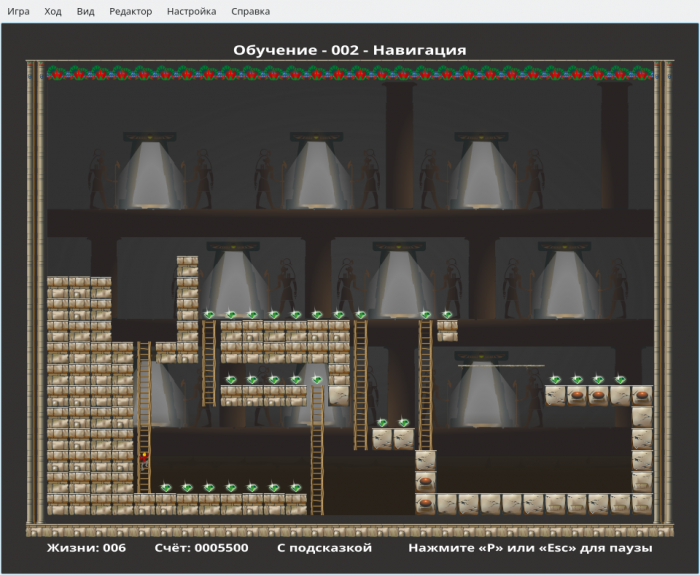
KGoldrunner is an arcade game in which the hero runs through a maze, climbs stairs, digs holes and dodges enemies.
Installation:
flatpak install flathub org.kde.kgoldrunnerLaunch:
flatpak run org.kde.kgoldrunnersudo snap install kgoldrunnersudo apt install kgoldrunnersudo pacman -S kgoldrunnersudo dnf install kgoldrunnersudo zypper install kgoldrunnersudo emerge -a kde-apps/kgoldrunner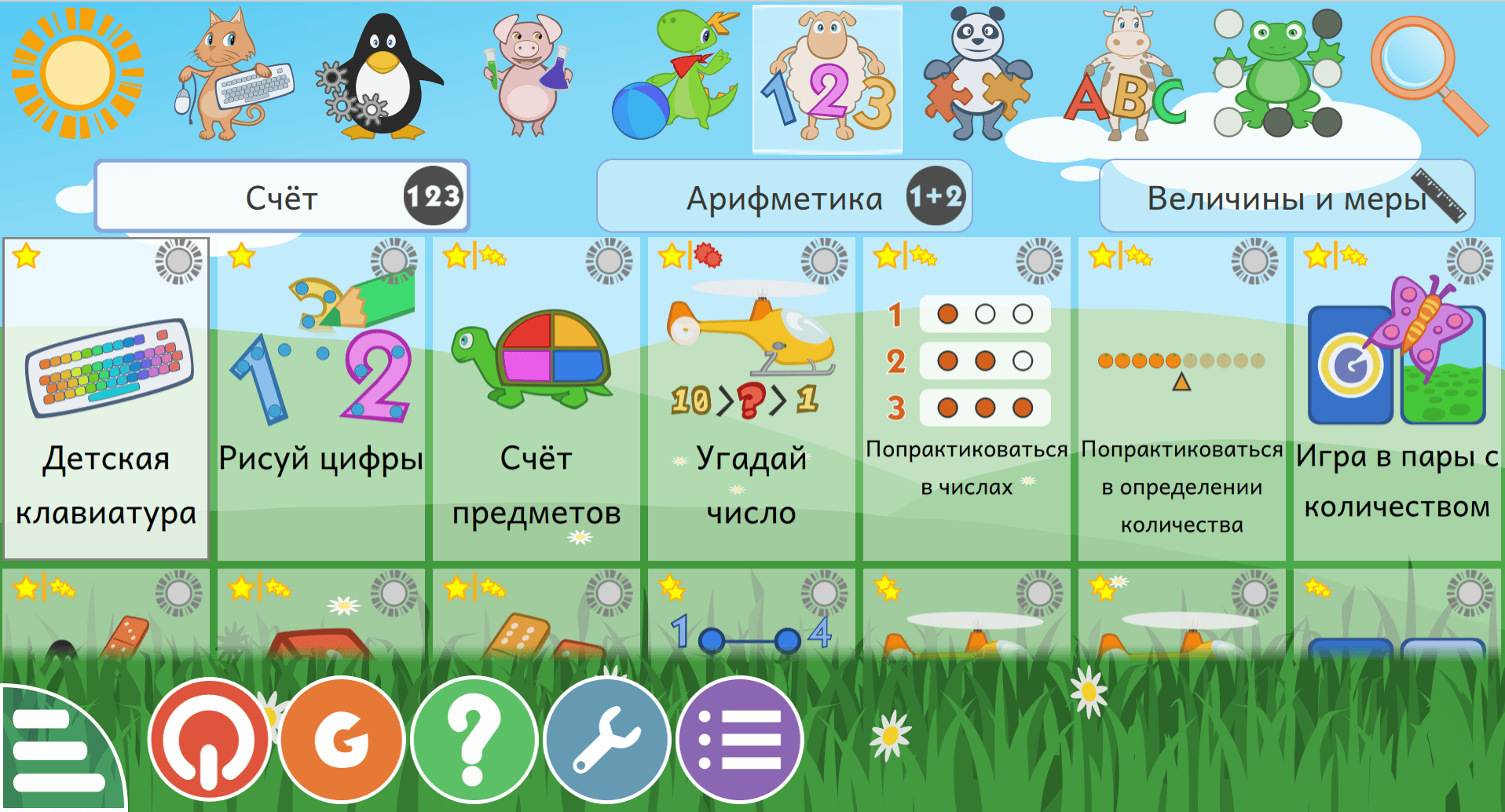
GCompris - a large selection of free educational games and activities for children aged 2 to 10 years.
GCompris includes more than 180 various educational games, activities, and exercises for children's development.
The range of tutorials in GCompris is impressive. The following exercises and games are presented:
Each developer has its own design.
Everything is done quite simply and without frills. Even in a sense it’s primitive. The design uses simple clipart.
Control by mouse.
GCompris can be used for teaching children in schools, kindergartens or developmental groups.
The program provides an interface for creating classes and personal profiles for each student. For each student, statistics of his success are kept.
Students can be combined into groups.
GCompris has the following minimum system requirements:
Installation:
flatpak install flathub org.kde.gcomprisLaunch:
flatpak run org.kde.gcomprissudo snap install gcomprissudo apt install gcomprissudo pacman -S gcompris-qtsudo dnf install gcomprissudo zypper install gcomprissudo emerge -a games-kids/gcompris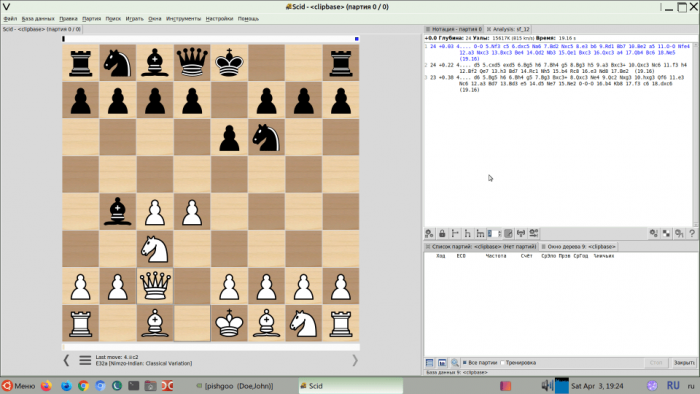
SCID (Shane's Chess Information Database) — is a shell for viewing and managing chess databases.
sudo apt install scidsudo zypper install scidsudo emerge -a games-board/scid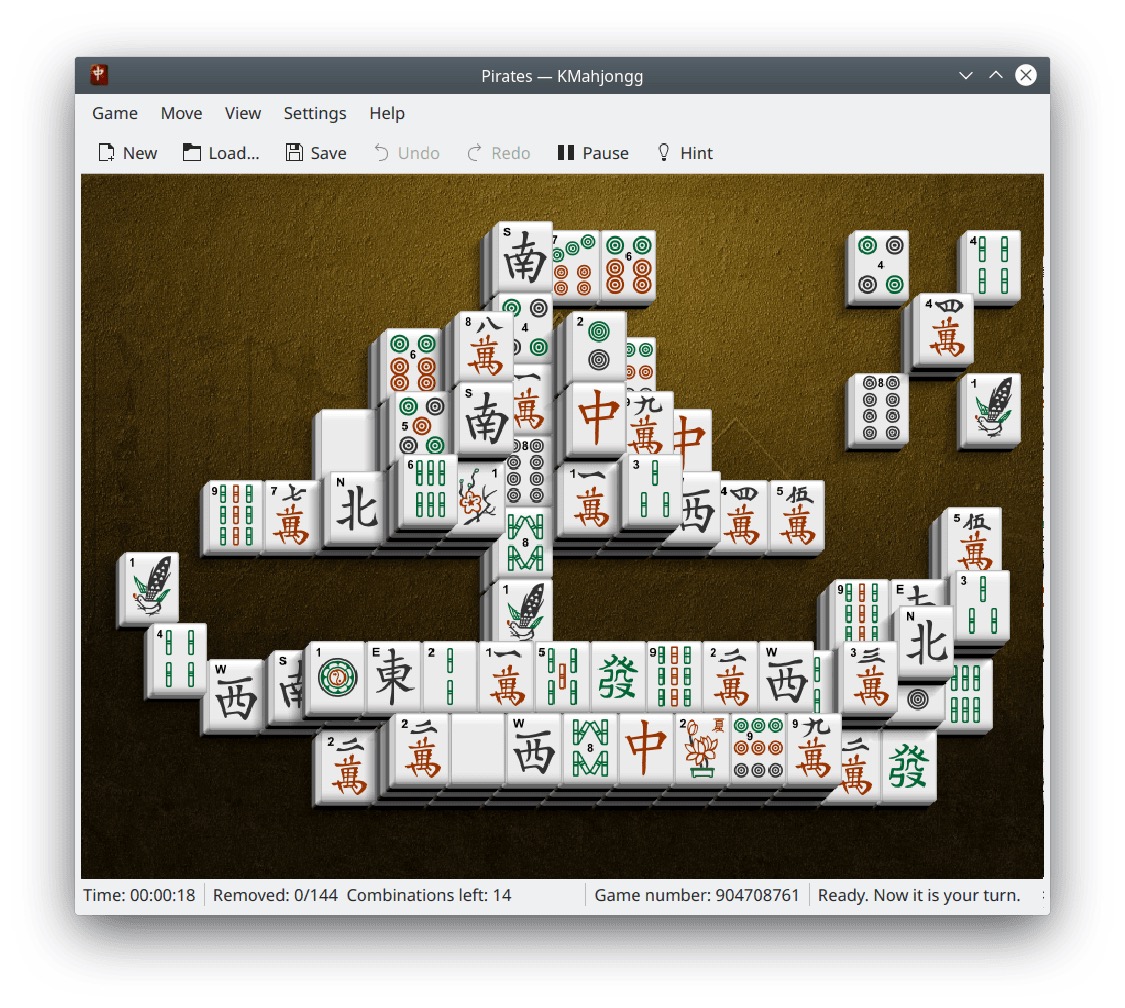
KMahjongg is a mahjong board game. The goal of the game is to remove all dice from the board.
sudo apt install kmahjongg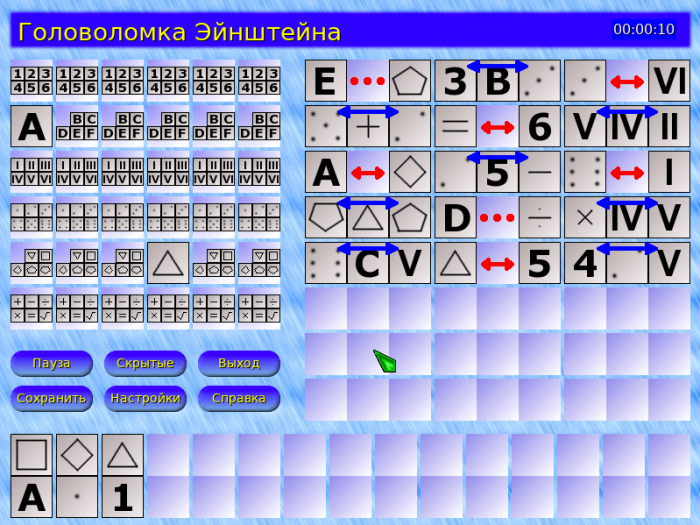
Einstein - logic game - Einstein puzzle. A remake of the old DOS game Sherlock.
sudo apt install einstein
sudo apt install tildasudo pacman -S tildasudo dnf install tildasudo zypper install tildasudo emerge -a x11-terms/tilda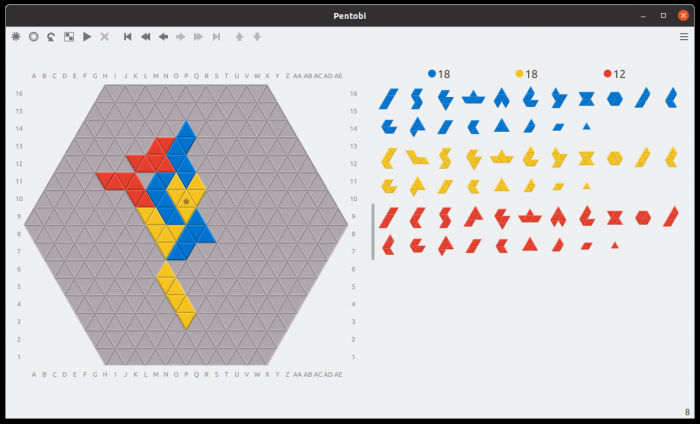
Pentobi is a board game where you place blocks on the playing field. Analogue of the game Blokus.
Pentobi completely repeats the rules of the classic game Blokus. This is a board game in which you need to place pieces on the playing field, following certain rules. Game for 2-4 people. The player's goal is to place all of his pieces on the playing field and score as many points as possible.
Supported game variants:
The game is played against the computer. Depending on the mode, you can select the number of opponents.
sudo apt install pentobisudo zypper install pentobiLeave your contact details, and we will contact you to complete your order.