

Статьи
Полезные материалы о веб-разработке, SEO, CMS, программном обеспечении и современных интернет-технологиях. Практические руководства, обзоры, рекомендации и инструкции для работы с сайтами и цифровыми проектами.

Common SEO Mistakes for Beginners: What to Avoid
Website search engine optimization is one of the most effective ways to attract clients from the internet. However, many beginner website owners make mistakes that prevent their promotion efforts from yielding results. In this article, we will discuss the main mistakes of SEO beginners, so you can avoid them and understand when it is better to order SEO services from specialists.
Search engines, such as Google and Yandex, are constantly improving their ranking algorithms. Therefore, it is important to optimize your site correctly from the very beginning.
1. Lack of Keyword Analysis
One of the most common mistakes is promoting a website without analyzing search queries.
Beginners often write articles on topics that no one searches for. As a result, the site receives no traffic.
The right approach:
-
gather a semantic core
-
identify popular search queries
-
use keywords in articles
Examples of key phrases:
-
order SEO
-
order SEO promotion
-
SEO website optimization
-
SEO services
Keyword analysis can be done using services:
-
Ahrefs
-
SEMrush
-
Serpstat
2. Keyword Stuffing
Many beginners think that the more keywords in the text, the better.
However, search engines have long learned to detect keyword stuffing. If phrases like order SEO are used too often, the page may lose its ranking.
The best approach:
-
write for people
-
use keywords naturally
-
add synonyms and similar phrases
3. Ignoring Technical SEO
Technical optimization is an important part of website promotion.
Typical problems:
-
slow website loading
-
indexing errors
-
broken links
-
lack of mobile version
You can use the following to check for technical issues:
-
Google Search Console
-
Screaming Frog SEO Spider
If a website is technically poorly optimized, even good content won't help it rank high.
4. Poor Website Structure
Search engines love logical structures.
A common beginner mistake is haphazard page placement without categories or structure.
Correct website structure:
-
Home
-
Services
-
Blog
-
Case Studies
-
Contacts
This helps search engines understand the website's content faster.
5. Lack of Quality Content
Content is one of the most important SEO factors.
Typical mistakes:
-
copying text from other sites
-
articles that are too short
-
lack of useful information
Search engines, especially Google, value unique and useful content.
A good SEO article should:
-
answer the user's question
-
contain keywords
-
be structured
-
have subheadings and lists
6. Lack of External Links
Links remain an important ranking factor.
A beginner's mistake is to completely ignore link building.
Ways to get links:
-
blog publications
-
website directories
-
guest posts
-
PR publications
The more quality sites that link to your resource, the higher the search engines' trust.
7. Expecting Quick Results
SEO is a long-term process.
Many beginners think a website will rank high in a few days. In practice, promotion can take 3–6 months or more.
If you lack experience, it's sometimes easier to order SEO promotion so that specialists can build the right promotion strategy.
When to Order SEO
If you want to:
-
rank your site higher faster
-
get stable organic traffic
-
outrank competitors
it's better to order SEO services from specialists.
Professional SEO typically includes:
-
website audit
-
technical optimization
-
SEO content creation
-
link building
-
competitor analysis
By avoiding these mistakes, your website can gradually improve in search rankings and receive more traffic.
And if you want to achieve results faster, you can order SEO promotion so that professionals can develop a strategy and bring your site to the top of search engines.
Clean website code and its impact on SEO
Clean website code is correctly structured, optimized, and understandable HTML, CSS, and JavaScript code. Such code is easily readable by developers and is processed without problems by search engine bots.
The quality of the code directly affects website speed, indexing, and SEO positions.
What is clean code
Clean code is code that:
- has a correct HTML structure
- does not contain unnecessary elements
- loads quickly
- is easy to read and maintain
- complies with web development standards
The simpler and neater the website code, the easier it is for search engines to analyze pages.
Why clean code is important for SEO
1. Improves website loading speed
If the code has many unnecessary scripts, styles, or unused elements, the page loads slower.
A slow website:
- ranks worse
- loses visitors faster
- worsens behavioral factors
Clean code helps speed up page loading.
2. Simplifies website indexing
Search engine bots analyze the HTML code of the page.
If the code:
- is logically structured
- contains correct tags
- is not overloaded with scripts
then the search engine understands the page content faster.
3. Helps to correctly use HTML tags
Clean code implies correct use of tags:
<h1> — main page heading
</h1><h2>–</h2><h6> — subheadings
<p> — text
</p><ul> and <ol> — lists
<strong> — important words</strong></ol></ul></h6>
This structure helps search engines better determine the page topic.
4. Improves mobile optimization
Neat code is easier to adapt for mobile devices.
And mobile optimization is one of the important ranking factors.
5. Reduces the number of technical errors
Bad code can cause:
- loading errors
- page display problems
- indexing errors
Clean code makes the website more stable and reliable.
Example of clean HTML code
<h1>What is SEO</h1>
<p>SEO is the optimization of a website for search engines.</p>
<h2>Why SEO is important</h2>
<p>SEO helps a website get organic traffic from search engines.</p>
</article>
This code:
- is simple
- is logical
- is easily read by search engine bots
Signs of bad code
Problems in the code can look like this:
- too many nested tags
- unnecessary scripts and styles
- unused CSS and JavaScript
- lack of heading structure
- a large number of inline styles
All of this worsens SEO.
How to make website code cleaner
To improve code quality:
- Use the correct HTML structure
- Remove unnecessary plugins and scripts
- Minify CSS and JavaScript
- Use modern HTML5 standards
- Check code using validators
Clean website code is an important part of technical SEO.
It helps to:
- speed up website loading
- improve page indexing
- increase website stability
- improve search positions
Therefore, when creating a website, it is important to pay attention to the quality and structure of the code, not just the design.
How to create sitemap.xml and why it is needed
What is sitemap.xml
Sitemap.xml is a special file on a website that lists all important pages of your resource. It helps search engines find and index pages faster.
The file is created in XML format and is usually located at:
Search engines like Google and Yandex use this file as a site map. Thanks to it, search bots understand the site structure and find new pages faster.
Why is sitemap.xml needed
1. Speeds up site indexing
When a new page appears on the site, a search bot may not find it immediately. Sitemap informs the search engine that the page exists and needs to be indexed.
This is especially important for:
- new websites
- large online stores
- websites with a large number of pages
2. Helps search bots understand the site structure
In sitemap, you can specify:
- which pages are most important
- when the page was updated
- how often it changes
This helps search engines navigate the site better.
3. Improves SEO
Having a sitemap.xml does not guarantee high rankings, but it helps to:
- index pages faster
- reduce the likelihood of missing pages
- improve the technical SEO of the site
This is especially useful for sites on WordPress, online stores on WooCommerce, and large catalogs.
How sitemap.xml looks
Example of a simple sitemap file:
<urlset xmlns="http://www.sitemaps.org/schemas/sitemap/0.9">
<url>
<loc>https://site.com/</loc>
<lastmod>2026-03-20</lastmod>
<changefreq>weekly</changefreq>
<priority>1.0</priority>
</url>
<url>
<loc>https://site.com/blog</loc>
<lastmod>2026-03-18</lastmod>
<changefreq>monthly</changefreq>
<priority>0.8</priority>
</url>
</urlset>
Main parameters:
- loc — page address
- lastmod — date of last modification
- changefreq — update frequency
- priority — page priority
How to create sitemap.xml
1. Using a WordPress plugin (the easiest way)
If the site runs on WordPress, you can create a sitemap automatically.
Popular plugins:
- Yoast SEO
- Rank Math
- All in One SEO
After installation, the plugin creates the sitemap itself.
It is usually available at:
2. Via online generators
You can use special services:
- XML-Sitemaps
- My Sitemap Generator
You enter the site address, and the service creates a ready-made file.
3. Create manually
If the site is small, you can write the file yourself in XML format.
After creation, you need to:
- upload the file to the server
- place it in the root of the site
- check availability
Example:
How to submit sitemap to search engines
After creation, it is advisable to add the sitemap to the webmaster panels.
For Google
Use the Google Search Console service.
You need to:
- go to the Sitemaps section
- paste the file address
- click Submit
For Yandex
Use Yandex.Webmaster.
It also has a Sitemap Files section where you add the link.
What pages should be added to the sitemap
It is recommended to add:
- site pages
- blog articles
- categories
- online store products
Do not add:
- filter pages
- technical pages
- duplicate pages
Common sitemap errors
The most common errors are:
- broken links
- pages closed from indexing
- too large file (more than 50,000 URLs)
- lack of sitemap updates
Therefore, it is important to check the sitemap periodically.
Sitemap.xml is an important technical file for a website that helps search engines find and index pages faster.
It is especially useful for:
- new websites
- blogs
- online stores
- large projects
The easiest way to create a sitemap is to use a WordPress SEO plugin. This allows you to automatically update the sitemap and keep it up-to-date without manual work.
SEO vs. Contextual Advertising - What's More Effective for Business
Promoting a website on the internet is an important task for any business. There are two main ways to attract customers from search engines: SEO promotion and contextual advertising. Many entrepreneurs wonder - which is more effective and is it worth ordering SEO promotion, or is it better to invest in advertising.
Search engines like Google and Yandex show users both organic search results and advertisements. Let's figure out the differences between these two promotion methods and which one is more profitable.
What is SEO
SEO (Search Engine Optimization) is a set of optimization works for a website to improve its positions in search results.
The main goal of SEO is to get the website into organic search results so that users find it for free.
SEO includes:
-
technical website optimization
-
SEO content creation
-
keyword work
-
internal optimization
-
acquiring external links
Many companies prefer to order SEO so that specialists develop a promotion strategy and increase search traffic.
What is contextual advertising
Contextual advertising is paid ads that are displayed in search results.
For example, in Google, such advertising works through the Google Ads system, and in Yandex - through Yandex Direct.
Advertisements are shown for specific keywords.
Advantages of contextual advertising:
-
quick launch
-
instant traffic
-
precise targeting capability
However, this method also has disadvantages.
Main differences between SEO and contextual advertising
Speed of results
Contextual advertising starts working almost immediately after launch.
SEO takes time. Usually, the first results appear after 3–6 months.
But once the site reaches the top, it can receive stable traffic for a long time.
Promotion cost
Contextual advertising works on a pay-per-click basis.
The higher the competition for a keyword, the more expensive a click to the website costs.
SEO requires investment in optimization, but after the website reaches the top, traffic becomes conditionally free.
This is why many companies decide to order SEO promotion.
Long-term effect
Contextual advertising only works as long as the budget is paid.
If the advertising campaign is stopped, the flow of customers immediately ceases.
SEO works differently. Even after active work is completed, the site can maintain its positions for a long time.
User trust
Many users trust organic search results more than advertisements.
Therefore, websites that are at the top of search results gain more trust and clicks.
When is it better to use SEO
SEO is suitable if you want to:
-
receive stable organic traffic
-
reduce advertising costs
-
develop the website in the long term
-
increase user trust
In such cases, it is better to order SEO promotion and gradually develop the website.
When is it better to use contextual advertising
Contextual advertising is useful if you need to:
-
quickly get customers
-
test a niche
-
promote a promotion or new product
-
get traffic to a new website
Advertising helps to quickly launch sales.
The best solution is to use both methods
Many companies use a combination of SEO and advertising.
Contextual advertising provides quick results, while SEO ensures long-term traffic growth.
This strategy allows you to get customers both immediately and in the future.
SEO and contextual advertising are two effective website promotion tools. Advertising helps to quickly attract customers, while SEO ensures a long-term flow of visitors from search engines.
Tip: the best results are usually achieved by combining SEO and contextual advertising – this allows you to get customers both immediately and in the long term.
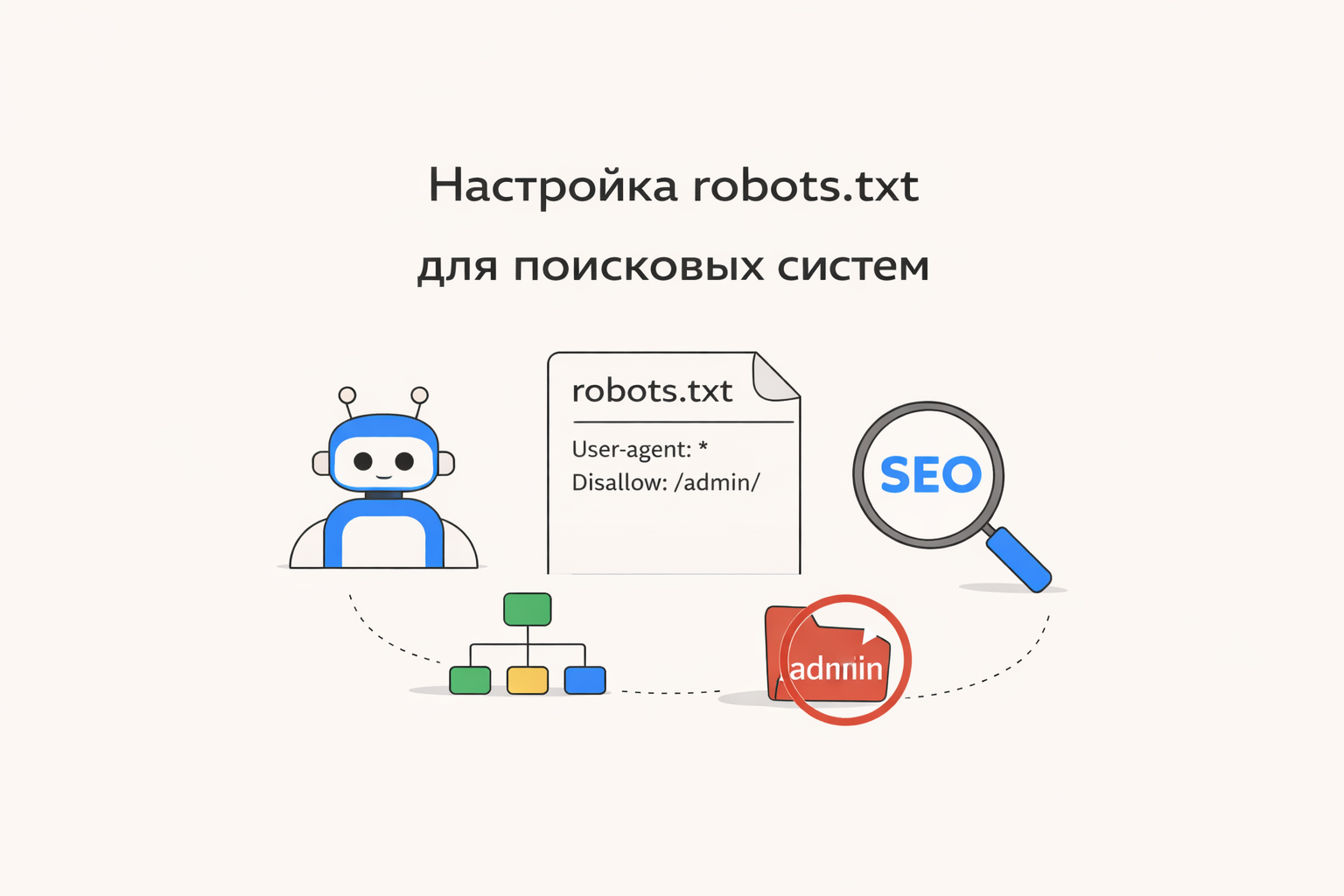
Setting up robots.txt for search engines
The robots.txt file is one of the basic tools of technical SEO. It helps control which pages of the site search bots, including Google, can crawl.
Properly configuring robots.txt can speed up indexing, avoid duplicates, and protect service sections of the site.
What is robots.txt
robots.txt is a text file placed in the root of the site:
It contains instructions for search engines like Google Search.
Basic robots.txt directives
1. User-agent
Specifies which bot the rule applies to:
* means all search bots.
2. Disallow
Prohibits access to specific pages or sections:
Disallow: /cart/
3. Allow
Allows access to specific pages:
4. Sitemap
Specifies the path to the sitemap:
Example of a correct robots.txt
📌 This means:
-
admin panel and checkout are blocked
-
other pages are open for indexing
Common mistakes
1. Complete indexing ban
❌ Blocks the entire site from Google
Blocking CSS and JS
❌ Can disrupt site display
📌 Solution: do not block important resources
3. Missing sitemap
Without a sitemap, it's harder for bots to find pages.
4. Incorrect paths
Errors in URL spelling make rules useless.
How to check robots.txt
Via browser
Open:
Via Google Search Console
-
Robots.txt file check
-
Crawl error analysis
Configuration recommendations
-
Block service pages (admin panel, cart, filters)
-
Leave content that should rank open
-
Add a link to sitemap.xml
-
Do not block CSS and JS
-
Regularly check the file after changes
robots.txt and SEO
The robots.txt file does not guarantee the removal of pages from the index, but:
-
manages crawling budget
-
helps to index important pages faster
-
reduces server load
Important note
If you need to completely remove a page from search results, use:
-
the
noindexmeta tag -
or tools in Google Search Console
robots.txt is a simple but powerful SEO tool. Competent configuration helps search engines correctly understand the site structure and promote it faster in Google.
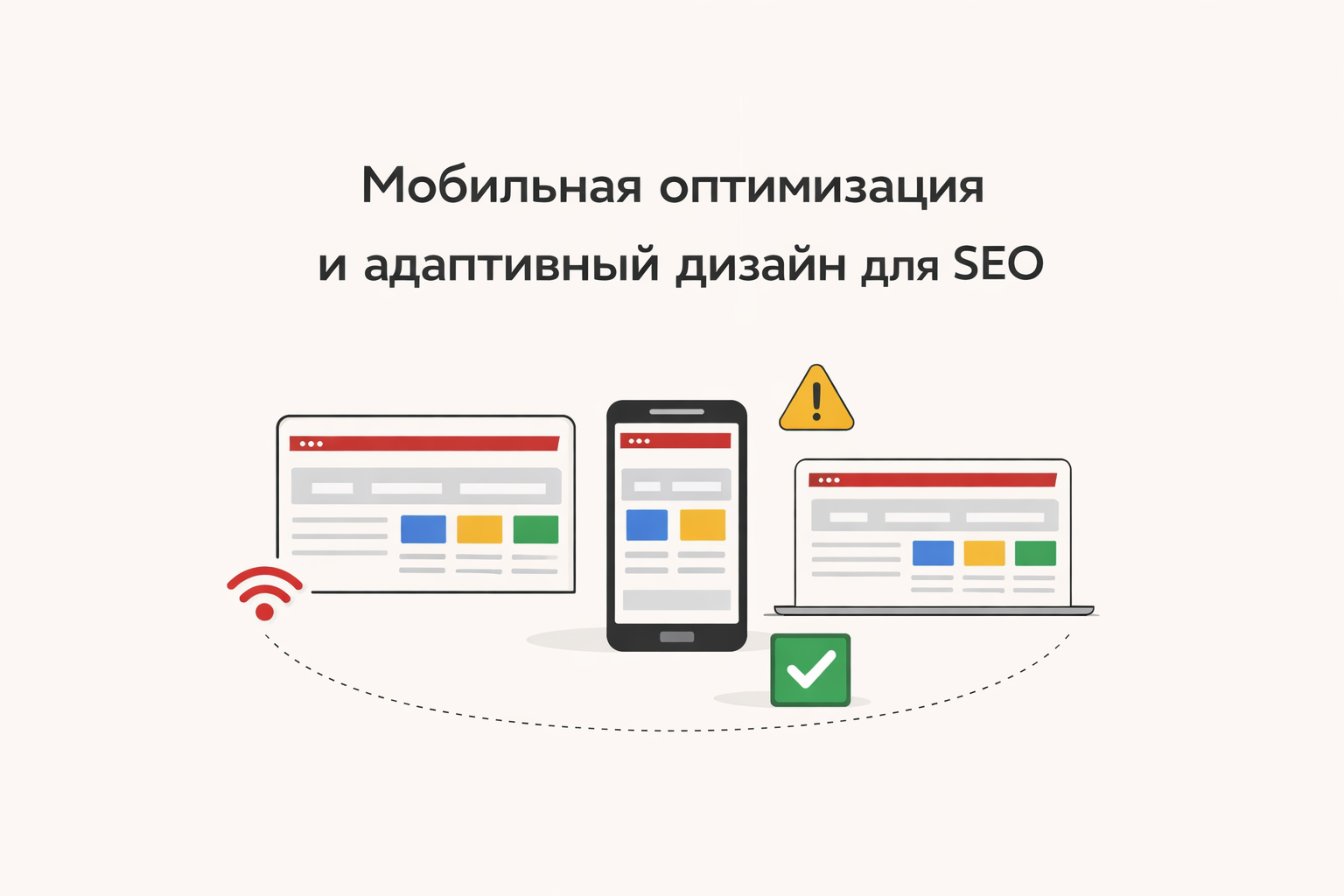
Mobile Optimization and Responsive Design for SEO
Today, over 70% of users access websites from smartphones. That's why Google has adopted the Mobile-First Indexing principle — meaning the mobile version of a website is primarily evaluated.
If a site performs poorly on phones, it loses search rankings and customers.
What is Mobile Optimization
Mobile optimization is the process of configuring a website for correct display and fast performance on smartphones and tablets.
Responsive design is an approach where a website automatically adjusts to screen size.
Why is it Important for SEO
Google considers:
-
mobile usability
-
loading speed
-
text readability
-
correct display of elements
If a site is not optimized, it receives a lower ranking.
Common Mobile Version Mistakes
1. Site not adapted to the screen
Users have to zoom in on the page.
📌 Solution: use responsive layout (responsive design)
2. Text too small
Text is difficult to read without zooming.
📌 Solution:
-
font size from 16px
-
sufficient spacing
3. Buttons too small
Users cannot tap on elements.
📌 Solution:
-
increase button size
-
add spacing between elements
4. Slow loading
Mobile internet is often slower.
📌 Solution:
-
image optimization
-
lazy loading
-
code minimization
5. Using Flash and outdated technologies
Modern browsers do not support them.
📌 Solution: use HTML5 and modern standards
How to Check Mobile Optimization
-
Google Mobile-Friendly Test — responsiveness check
-
Google Search Console — mobile error report
-
Google PageSpeed Insights — speed analysis
Principles of Responsive Design
1. Flexible Grid
Content scales to fit the screen.
2. Media Queries (CSS)
Allow changing styles for different devices:
body {
font-size: 16px;
}
}
3. Flexible Images
max-width: 100%;
height: auto;
}
4. Mobile-First Approach
Design for mobile devices is created first, then for desktops.
How to Improve Mobile SEO
-
Use responsive design
-
Speed up site loading
-
Simplify navigation
-
Make buttons large
-
Remove unnecessary elements
-
Test the site on different devices
-
Optimize Core Web Vitals
Additional Tips
-
Avoid pop-ups
-
Make the menu convenient (hamburger menu)
-
Use AMP (if applicable)
-
Monitor UX/UI
Business Impact
Mobile optimization directly affects:
-
conversion rates
-
user behavior
-
user retention
If a site is inconvenient, users will go to a competitor in seconds.
Mobile optimization is no longer an option, but a necessity. Without responsive design, it's impossible to successfully promote a website in Google.
Website Technical Audit: What's Important to Check
A website technical audit is the foundation of effective SEO promotion. Even the most beautiful and sales-oriented website won't bring in clients if it has technical errors. Regular checks help identify problems and improve search engine rankings.
1. Website Loading Speed
Fast loading is one of the key ranking factors. If a site takes longer than 2-3 seconds to load, users leave, and rankings drop. It's important to optimize images, code, and the server.
2. Mobile Responsiveness
Most users access websites from their phones. The site must display correctly on all devices and work quickly on mobile.
3. Page Indexing
Check if all important pages are being indexed by search engines. Errors in the robots.txt file or meta tags can block the site from Google.
4. Errors and Broken Links
The presence of 404 pages and non-working links degrades user experience and negatively impacts SEO. They need to be found and fixed regularly.
5. Website Structure and URLs
A clear structure and understandable URLs help search engines better understand the site. Page addresses should be logical and contain keywords.
6. SSL Certificate (HTTPS)
Security is an important factor. The site must operate over HTTPS, otherwise users may see warnings about an insecure connection.
7. Page Duplicates
Duplicate content can lower a site's rankings. It's important to set up canonical links and eliminate duplicate pages.
A technical audit is a mandatory step for any website. It helps eliminate errors, improve SEO, and increase the number of clients. If you want to achieve maximum results, it's best to entrust the audit to specialists and fix all shortcomings in a timely manner.
Canonical URL: What it is and how to use it
What is a Canonical URL
Canonical URL is a special tag that tells search engines which version of a page is the primary one if there are multiple pages with identical or very similar content on a website.
It is used to combat duplicate content, which can negatively affect SEO.
Canonical is specified in the HTML code of the page and looks like this:
This tag tells search engines like Google and Yandex that this specific URL should be considered the main one.
Why is a Canonical URL needed
1. Solves the problem of duplicate pages
Identical pages with different URLs may appear on the site. For example:
A search engine might consider them different pages.
Canonical indicates that the main page is one.
2. Transfers SEO weight to the main page
If multiple pages have the same content, links can be distributed among them.
Canonical helps transfer all SEO weight to one page, which improves its ranking.
3. Aids in correct indexing
Search engines understand:
- which page to index
- which pages to consider duplicates
- which page to show in search results
When to use Canonical
Canonical is useful in the following cases:
1. Pages with parameters
For example:
site.com/catalog?sort=price
site.com/catalog?page=2
Canonical points to the main page.
2. Online stores
In stores on WooCommerce, a single product can be in multiple categories:
site.com/category2/product
Canonical helps to choose the main product page.
3. Page duplicates
For example:
Canonical indicates which version is the main one.
How to add a Canonical URL
1. Via WordPress SEO plugins
If the site runs on WordPress, Canonical is added automatically through SEO plugins:
- Yoast SEO
- Rank Math
- All in One SEO
These plugins automatically add canonical for each page.
2. Add manually
You can add the tag to the <head> section of the page:
Canonical vs Redirect
Many confuse canonical and redirect.
The difference:
Canonical
- informs search engines about the main page
- the user can open different URLs
301 Redirect
- fully redirects the user
- the old URL is no longer used
Common Canonical Errors
1. Specifying an incorrect URL
Canonical must lead to a real existing page.
2. Canonical to another page without reason
If the pages are different, canonical cannot be used.
3. Mismatch between canonical and sitemap
The sitemap.xml file should contain only canonical pages.
How to check Canonical
You can check in several ways:
- open the page code
- find the canonical tag
or use services:
Google Search Console
Screaming Frog SEO Spider
Canonical URL is an important technical SEO tool that helps search engines correctly identify the main page of a website.
It allows you to:
- avoid duplicate pages
- transfer SEO weight to the main page
- improve site indexing
Canonical is especially important for:
- online stores
- large websites
- sites with URL parameters