 admin
admin
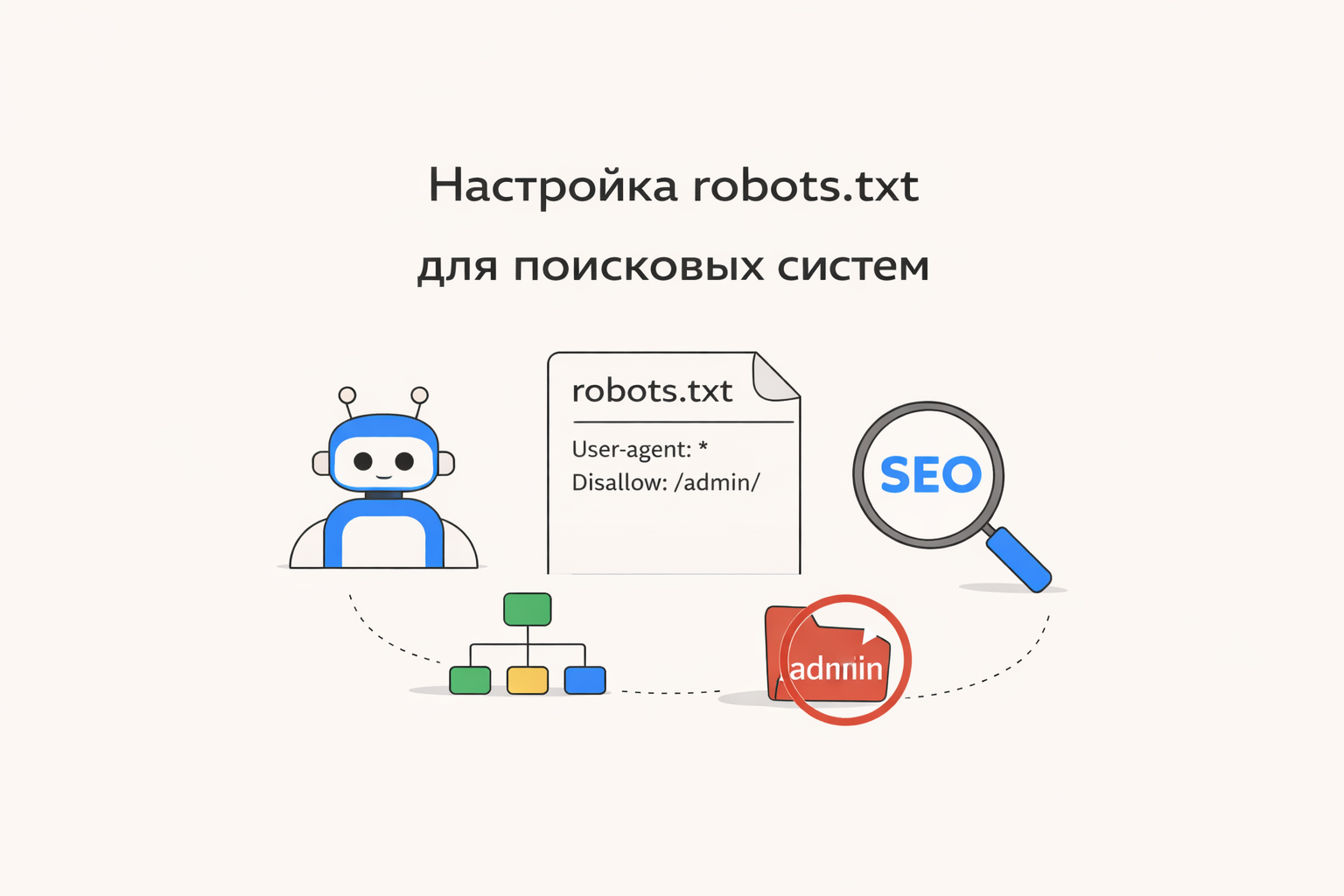
Setting up robots.txt for search engines
Robots. txt is one of the basic technical SEO tools. It helps you control which pages on your site can be crawled by search engines, including Google.
Correct robots setup. txt allows you to speed up indexing, avoid duplicates and protect service sections of the site.
What is robots. txt
robots. txt is a text file that is placed in the root of the site:
It contains instructions for search engines such as Google Search.
Basic robots directives. txt
1. User-agent
Indicates which robot the rule applies to:
* - means for all search robots.
2. Disallow
Disallows access to certain pages or sections:
Disallow: /cart/
3. Allow
Allows access to specific pages:
4. Sitemap
Indicates the path to the sitemap:
Пример правильного robots. txt
Disallow: /admin/
Disallow: /checkout/
Allow: /
Sitemap: https://example. com/sitemap. xml
📌 Это значит:
-
админка и оформление заказа закрыты
-
остальные страницы открыты для индексации
Частые ошибки
1. Полный запрет индексации
❌ Закрывает весь сайт от Google
Закрытие CSS и JS
❌ Может нарушить отображение сайта
📌 Решение: не закрывать важные ресурсы
3. Отсутствие sitemap
Без карты сайта роботу сложнее находить страницы.
4. Неправильные пути
Ошибки в написании URL делают правила бесполезными.
Как проверить robots. txt
Через браузер
Откройте:
Via Google Search Console
-
Checking the robots. txt
-
Crawling error analysis
Configuration recommendations
-
Close service pages (admin panel, cart, filters)
-
Leave content that needs to be ranked open
-
Add a link to the sitemap. xml
-
Don't block CSS and JS
-
Check the file regularly after changes
robots. txt and SEO
Robots. txt does not guarantee that pages will be removed from the index, but:
-
manages crawling budget
-
helps index important pages faster
-
reduces server load
Important point
If you need to completely remove a page from the search - use:
-
meta tag
noindex -
or tools in Google Search Console
robots. txt is a simple yet powerful SEO tool. Proper configuration helps search engines correctly understand the structure of the site and promote it faster in Google.