Cart Sign In
DEVNEW.ORG — Digital Tools & Data » Articles » SEO » Technical SEO » HTTPS and SEO: why it is important to connect SSL
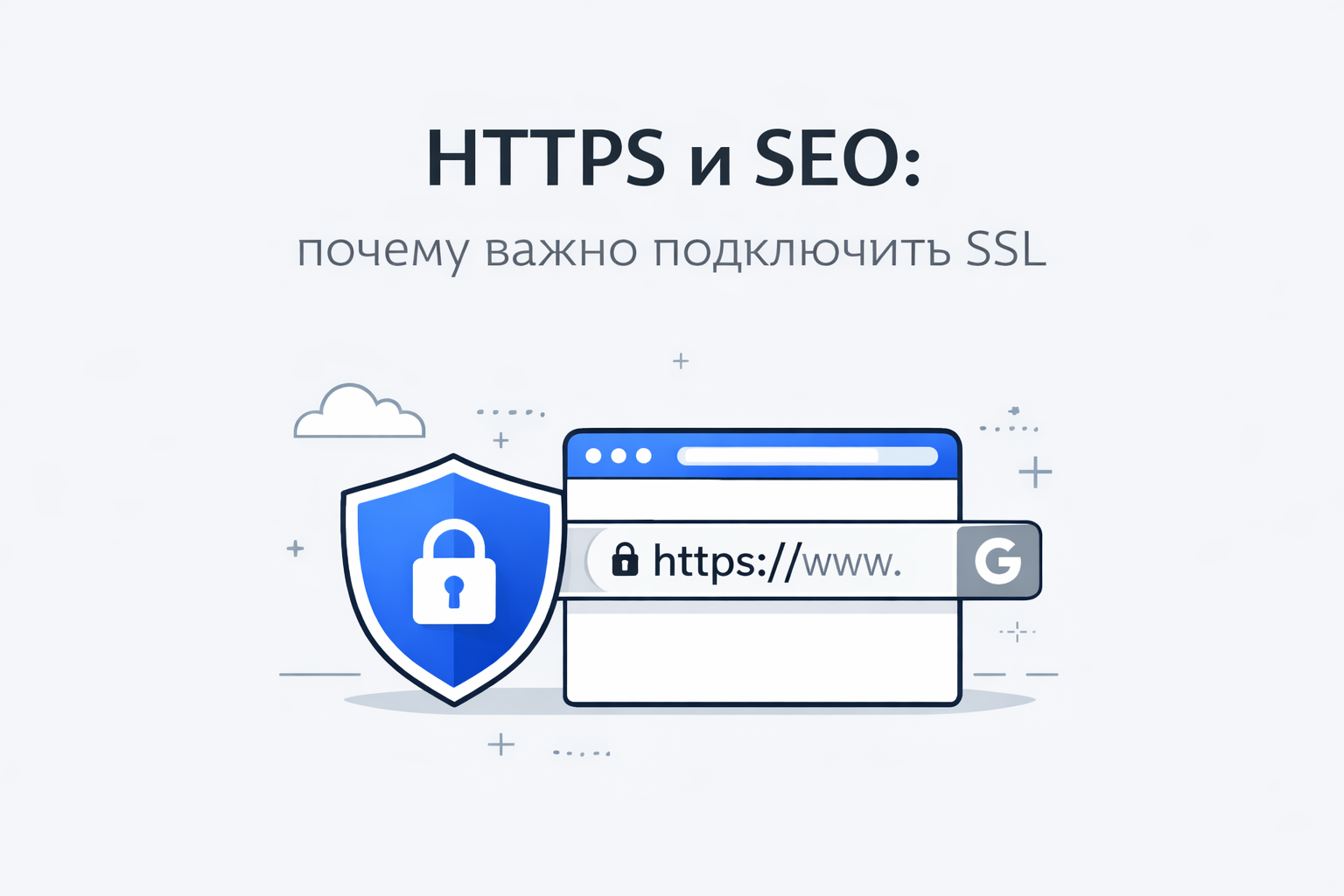
HTTPS and SEO: why it is important to connect SSL
admin
26-03-2026, 19:40 12 0

HTTPS and SEO: why it is important to connect SSL

HTTPS is a secure version of the HTTP protocol that is used to transfer data between a site and a user. For HTTPS to work, a SSL certificate is installed on the site, which encrypts the data and makes the connection secure.

Today, HTTPS is not only a security issue, but also an important factor in SEO optimization.

What are HTTPS and SSL

SSL (Secure Sockets Layer) is a data encryption technology.
It protects information that is transferred between the user's browser and the site server.

When a site has an SSL certificate installed:

  • site address begins with https://
  • icon appears in the browser lock
  • data is transmitted in encrypted form

Without SSL, the site operates via http://, and the connection is considered insecure.

Why HTTPS is important for SEO

Search engines consider site security when ranking. Therefore, HTTPS directly affects promotion.

1. Search Engine Ranking Factor

Secure sites receive a slight advantage in search results.
Search engines prefer to show protected sites to users.

2. User Trust

If a site is running without SSL, the browser may display a warning:

“Insecure Connection”

This reduces user trust and may cause visitors to simply close the site.

HTTPS, on the contrary, shows:

🔒 secure connection
🔒 secure data transfer

3. Protecting user data

SSL protects:

  • logins and passwords
  • bank card data
  • registration forms
  • personal information

This is especially important for:

  • online stores
  • sites with registration
  • services with personal accounts

4. Improved behavioral factors

When users trust a site, they:

  • stay on the site longer
  • make purchases more often
  • are less likely to leave the page

All this has a positive effect on SEO.

5. Without HTTPS, many services work worse

Some modern technologies work correctly only with HTTPS, for example:

  • online payment
  • push notifications
  • geolocation
  • modern browser APIs

How to enable SSL on website

You can enable HTTPS in several ways.

1. Free SSL

The most popular option is Let's Encrypt by the way hosting Timeweb gives it for free + there are other free ones certificates
Benefits:

  • free
  • quick to install
  • supported by most hosting

2. SSL from hosting

Many hosting providers allow you to connect SSL in one click through the control panel.

3. Paid SSL certificates

Paid certificates are often used by large projects and online stores.
These may include:

  • additional company verification
  • data insurance
  • extended protection

How to correctly switch from HTTP to HTTPS

It is important to make the transition correctly so as not to lose positions in the search.

Basic steps:

  1. Install SSL certificate
  2. Configure 301 redirect from HTTP to HTTPS
  3. Update links within the site
  4. Update sitemap. xml
  5. Add a new version of the site in the webmaster panel

How to check if HTTPS is working

It's very easy to check:

  1. Open the site in a browser
  2. Look at the address bar

If there is:

🔒 padlock icon
and the address starts with https://

—means SSL is working.

HTTPS is a mandatory standard for modern websites. SSL connection:

  • increases site security
  • increases user trust
  • improves SEO
  • helps you rank higher in search

Therefore, every website that wants to receive traffic from search engines should run over HTTPS.
See Also

URL structure is the format and construction of page addresses on a site. Properly configured URLs help users and search engines better understand the content of the page. Good link structure is an important part of SEO optimization of website. What is a URL URL (Uniform Resource Locator) is the address of a page on the Internet. Example URL: com/blog/seo-optimizaciya This address consists of several parts: https:// - connection protocol site. com - site domain /blog/ - site section /seo-optimizaciya - specific page Why URL Structure Is Important for SEO Good URLs help search engines understand the topic of a page faster and improve the usability of your site. Main advantages: better page indexing increased click-through rate in search clear site structure convenient navigation for users What an SEO-friendly URL should look like A good URL should be: short clear logical contain keywords Example of a good URL: site. com/seo/struktura-url Bad example: site. com/page?
Indexing errors are one of the most common reasons why a website does not appear in searches or loses rankings. If pages are not indexed, they simply do not exist for the search engine. Below is a detailed guide on how to find and fix such problems. Indexing is the process by which Google Search adds site pages to its database. Only after this they can appear in search results. Major indexing errors 1. The page is closed from indexing Check for the presence of the meta tag: If it is present, the page will not be indexed. 📌 Solution: replace noindex with index. 2. Errors in robots. txt Robots. txt may prevent crawling: Disallow: / 📌 Solution: Make sure important pages are open: User-agent: * Allow: / 3. Page not added to sitemap If you don't have a sitemap. xml, it is more difficult for a search engine to find pages. 📌 Solution: Create a sitemap. xml Add it to Google Search Console 4. Duplicate pages If the site has the same content, Google may ignore such pages. 📌 Solution: Use
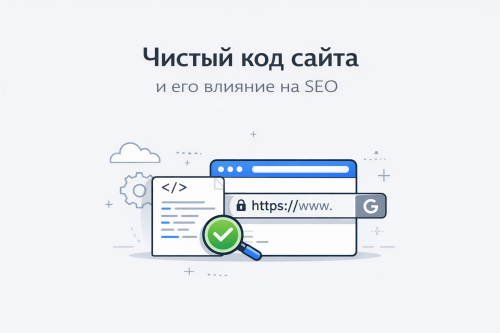
Clean website code is properly structured, optimized and understandable HTML, CSS and javascript code. Such code is easy to read by developers and can be processed by search robots without problems. Code quality directly affects site speed, indexing and SEO rankings. What is clean code Clean code is code that: has the correct HTML structure does not contain unnecessary elements fast to load easy to read and maintain complies with web development standards The simpler and neater the site code, the easier it is for search engines to analyze the pages. Why clean code is important for SEO 1. Improves site loading speed If the code has a lot of unnecessary scripts, styles or unused elements, the page loads slower. Slow site: ranks worse loses visitors faster worsens behavioral factors Clean code helps pages load faster. 2. Simplifies site indexing Search robots analyze the HTML code of the page. If the code: is logically structured contains the correct tags is not overloaded with scripts
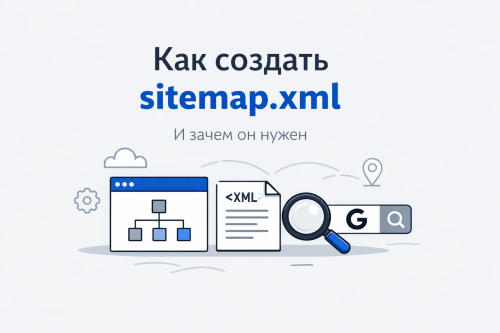
What is a sitemap. xml Sitemap. xml is a special site file that lists all the important pages of your resource. It helps search engines find and index pages faster. The file is created in XML format and is usually located at: com/sitemap. xml Search engines such as Google and Yandex use this file as a sitemap. Thanks to it, search robots understand the structure of the site and find new pages faster. Why do you need a sitemap. xml 1. Speeds up site indexing When a new page appears on the site, the search robot may not immediately find it. The sitemap tells the search engine that the page exists and needs to be indexed. This is especially important for: new sites large online stores sites with a large number of pages 2. Helps search robots understand the structure of the site In the sitemap you can indicate: which pages are the most important when the page was updated how often it changes This helps search engines better navigate the site. 3. Improves SEO Having a sitemap. xml does
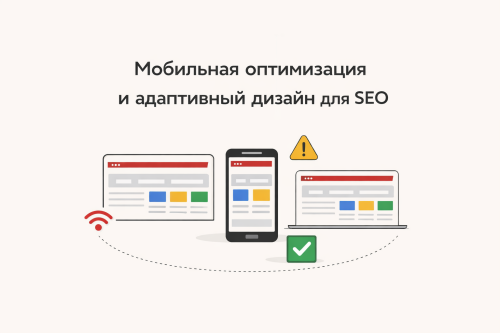
Today, more than 70% of users access websites from smartphones. Therefore, Google switched to the Mobile-First Indexing principle - this means that the mobile version of the site is evaluated first. If a site doesn’t work well on a phone, it loses search rankings and customers. What is mobile optimization Mobile optimization is setting up a website for correct display and fast operation on smartphones and tablets. Responsive design is an approach in which a website automatically adjusts to fit the screen size. Why it's important for SEO Google considers: mobile usability loading speed text readability correct display of elements If a site is not adapted, it receives a lower rating. Main errors in the mobile version 1. The site is not adapted to the screen The user has to enlarge the page. 📌 Solution: use responsive design 2. Text is too small Text is difficult to read without magnification. 📌 Solution: font size from 16px sufficient padding 3. Buttons are too small The user
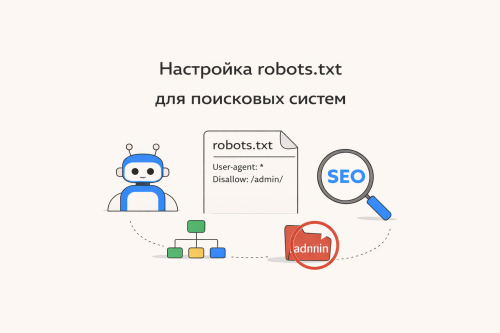
Robots. txt is one of the basic technical SEO tools. It helps you control which pages on your site can be crawled by search engines, including Google. Correct robots setup. txt allows you to speed up indexing, avoid duplicates and protect service sections of the site. What is robots. txt robots. txt is a text file that is placed in the root of the site: com/robots. txt It contains instructions for search engines such as Google Search. Basic robots directives. txt 1. User-agent Indicates which robot the rule applies to: User-agent: * * - means for all search robots. 2. Disallow Disallows access to certain pages or sections: Disallow: /admin/ Disallow: /cart/ 3. Allow Allows access to specific pages: Allow: /blog/ 4. Sitemap Indicates the path to the sitemap: Sitemap: com/sitemap. xml Пример правильного robots. txt User-agent: * Disallow: /admin/ Disallow: /checkout/ Allow: / Sitemap: com/sitemap. xml 📌 Это значит: админка и оформление заказа закрыты остальные страницы открыты для
Site loading speed is one of the key ranking factors in Google. If pages open slowly, you lose not only search positions, but also real customers. Let's figure out how it works and what to do with it. Why speed matters for SEO Search engines, including Google, take user experience into account. Slow site: increases bounce rate reduces time on site deteriorates conversions affects search rankings This is especially important after the implementation of Core Web Vitals - download quality metrics. Key Speed ​​Metrics 1. LCP (Largest Contentful Paint) The loading time of the main content of the page. 📌 Norm: up to 2.5 seconds 2. FID (First Input Delay) Delay before the first user interaction. 📌 Normal: up to 100 ms 3. CLS (Cumulative Layout Shift) How much the interface “jumps” when loading. 📌 Norm: less than 0. 1 You can check these indicators through Google PageSpeed ​​Insights. What slows down the site 1. Heavy Images Unoptimized images are one of the main reasons for slow
Technical audit of a website is the basis of effective SEO promotion. Even the most beautiful and selling website will not bring clients if it has technical errors. Regular testing helps identify problems and improve search engine rankings. 1. Website Loading Speed Fast loading is one of the key ranking factors. If a site takes longer than 2-3 seconds to load, users leave and rankings drop. It's important to optimize your images, code and server. 2. Adaptation for mobile devices Most users log in from their phones. The site must display correctly on all devices and work quickly on mobile devices. 3. Page Indexing Check that all important pages are indexed by search engines. Errors in the robots.txt file or meta tags can prevent your site from being detected by Google. 4. Errors and Broken Links Having 404 pages and broken links degrades the user experience and negatively impacts SEO. They need to be found and corrected regularly. 5. Site Structure and URL Clear structure and
What is a Canonical URL Canonical URL is a special tag that tells search engines which version of a page is the main one if a website has multiple pages with identical or very similar content. It is used to combat duplicate content, which can negatively impact SEO. The canonical tag is specified in the page's HTML code and looks like this: This tag tells search engines like Google and Yandex that this specific URL should be considered the primary one. Why a Canonical URL is needed 1. Solves the problem of page duplicates Identical pages with different URLs may appear on the website. For example: The search engine may treat them as different pages. Canonical indicates that there is only one main page. 2. Passes SEO weight to the main page If multiple pages have the same content, links can be distributed among them. Canonical helps to pass all SEO weight to a single page, which improves its rankings. 3. Helps with proper indexing Search engines understand: which page to index

Reviews (0)

reload, if the code cannot be seen


Quick Purchase

Leave your contact details, and we will contact you to complete your order.