 admin
admin
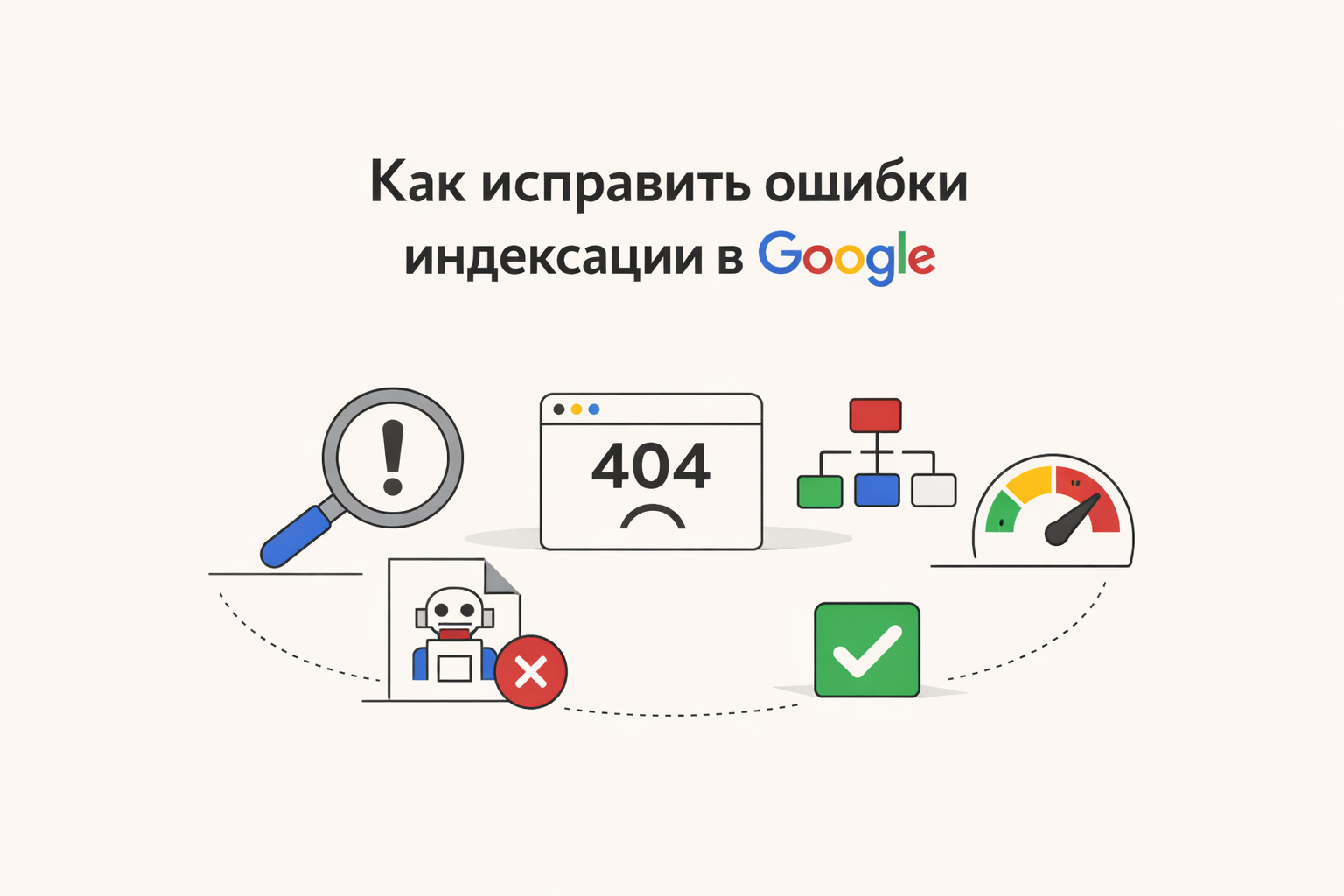
How to Fix Google Indexing Errors
Indexing errors are one of the most common reasons why a website does not appear in searches or loses rankings. If pages are not indexed, they simply do not exist for the search engine. Below is a detailed guide on how to find and fix such problems.
Indexing is the process by which Google Search adds site pages to its database. Only after this they can appear in search results.
Major indexing errors
1. The page is closed from indexing
Check for the presence of the meta tag:
If it is present, the page will not be indexed.
📌 Solution: replace noindex with index.
2. Errors in robots. txt
Robots. txt may prevent crawling:
📌 Solution: Make sure important pages are open:
Allow: /
3. Page not added to sitemap
If you don't have a sitemap. xml, it is more difficult for a search engine to find pages.
📌 Solution:
-
Create a sitemap. xml
-
Add it to Google Search Console
4. Duplicate pages
If the site has the same content, Google may ignore such pages.
📌 Solution:
-
Use tag:
5. Server errors (5xx) and pages 404
If the page does not open, it will not be indexed.
📌 Solution:
-
Fix server errors
-
Set up correct redirects (301)
6. Slow loading of the site
If the site takes a long time to load, the search robot may not wait for it to load.
📌 Solution:
-
Optimize images
-
Use caching
-
Connect CDN
7. No internal links
If no one links to a page, the robot may not find it.
📌 Solution:
-
Add internal links
-
Make a logical structure site
How to check indexing
Through search
Enter in Google Search:
Via Google Search Console
-
Go to section "Coverage"
-
See errors:
-
Excluded
-
Detected but not indexed
-
Error
-
Quick fix instructions
-
Check robots. txt
-
Make sure there is no
noindex -
Add sitemap. xml
-
Resolve 404 and 500 errors
-
Configure canonical
-
Improve site speed
-
Add internal links
-
Submit a page for re-indexing via Google Search Console
Tips for better indexing
-
Publish unique content
-
Update your site regularly
-
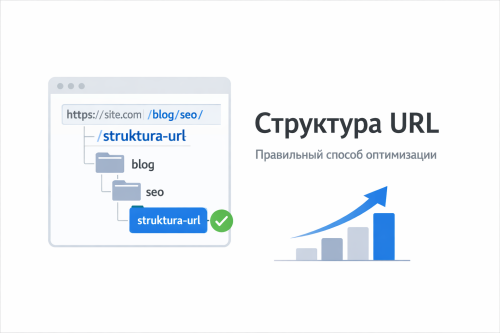
Use the correct URL structure
-
Add micro-markup (Schema.org)
-
Monitor server logs